English | 简体中文

Pake

twitter telegram GitHub downloads GitHub commit GitHub closed issues
Simply make any web page a desktop application using rust, support Mac/Windows/Linux. About popular downloadscommand line packingcustom development can be found in readme. Welcome to discussions to see if there have anything you're interesting.
## Features 🏂 **Small**:Nearly 40 times smaller than Electron package, less than 3M. 😂 **Fast**:Using the Rust Tauri, it`s much lighter and faster than JS. 🩴 **Special**:Not just packaged, with shortcut pass-through, immersive windows, minimalist customization. 🐶 **Toy**:Just a simple way to play with Rust instead of the old idea of shelling the web. ## Popular Downloads
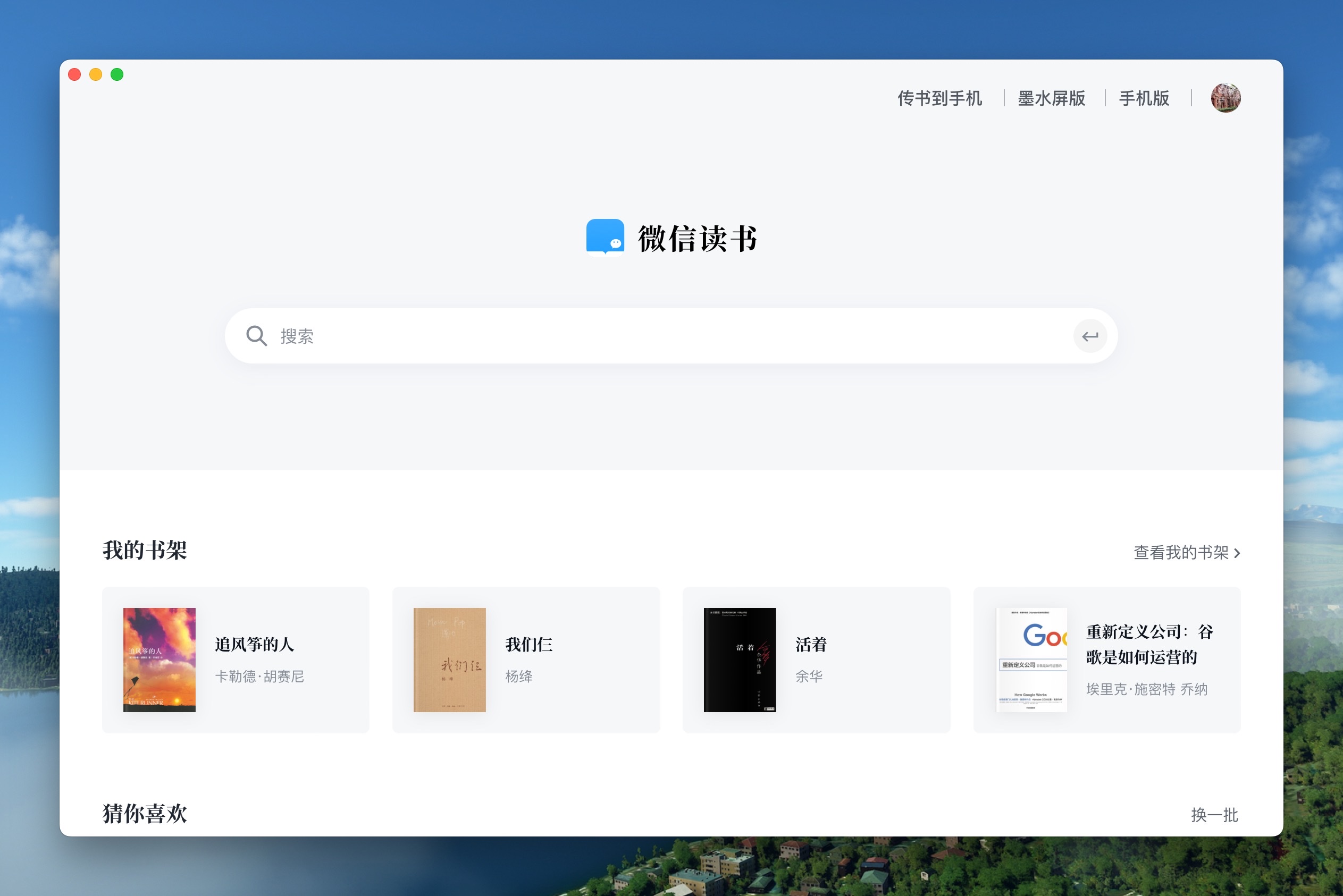
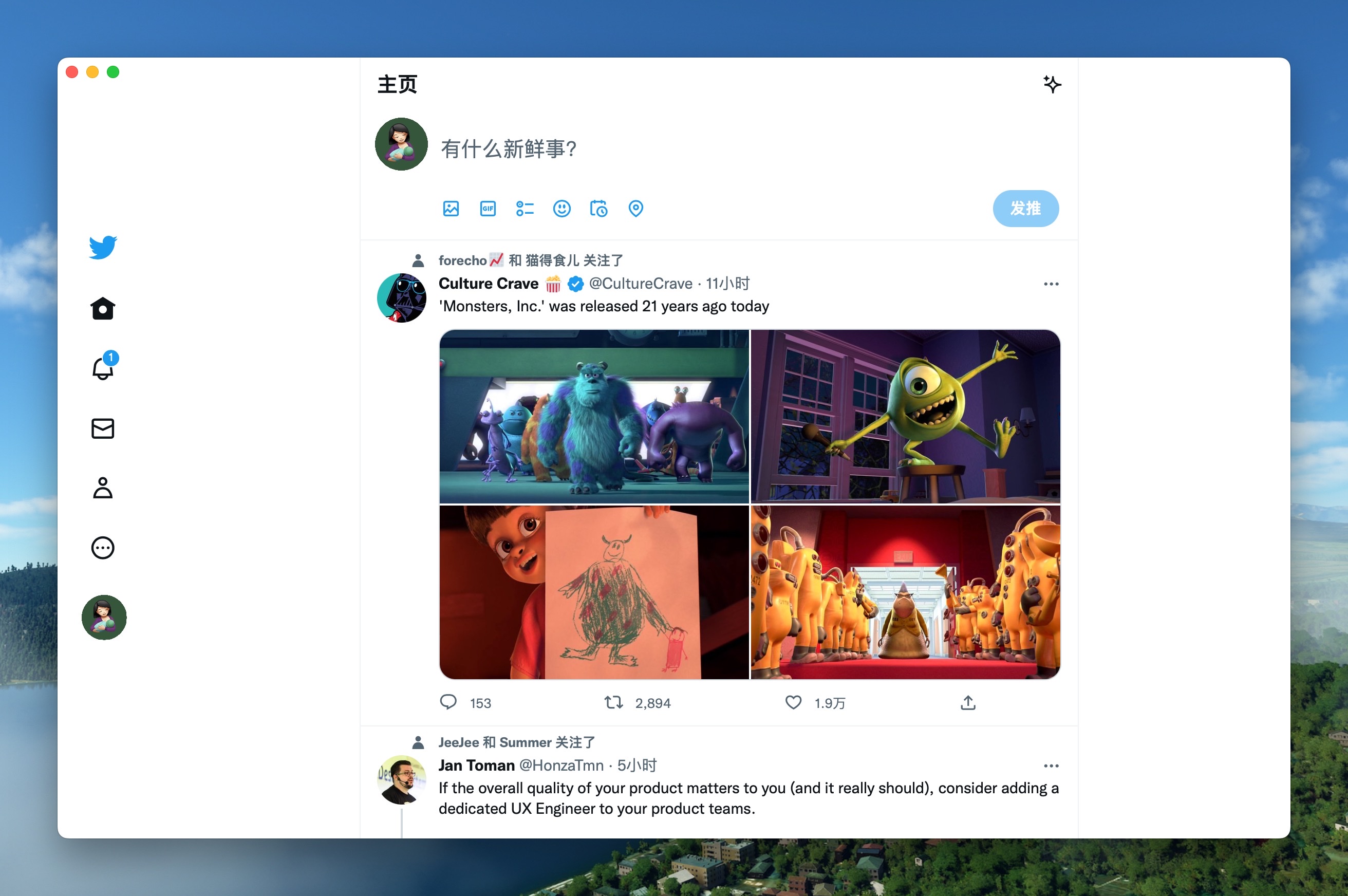
WeRead Mac Windows Linux Twitter Mac Windows Linux
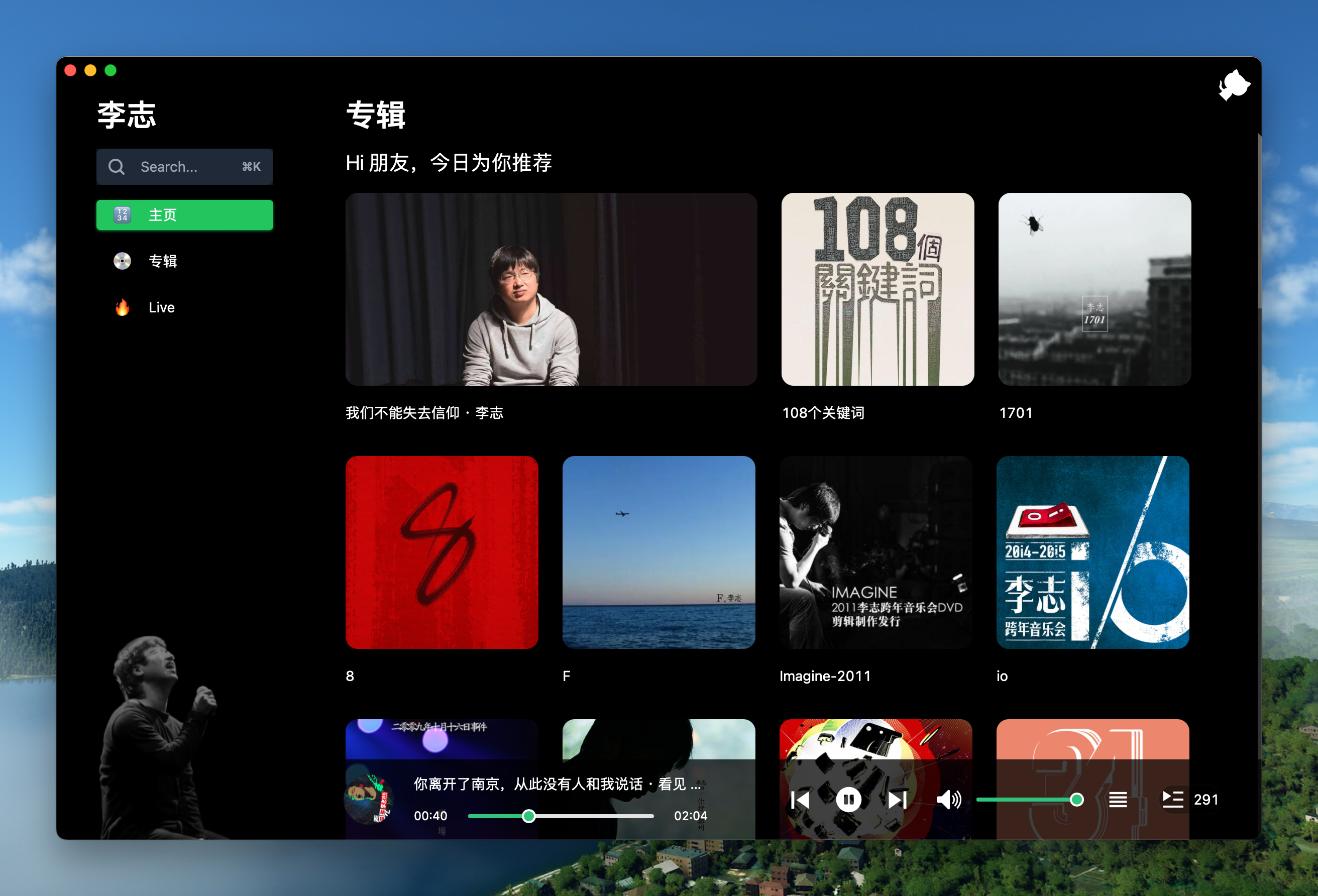
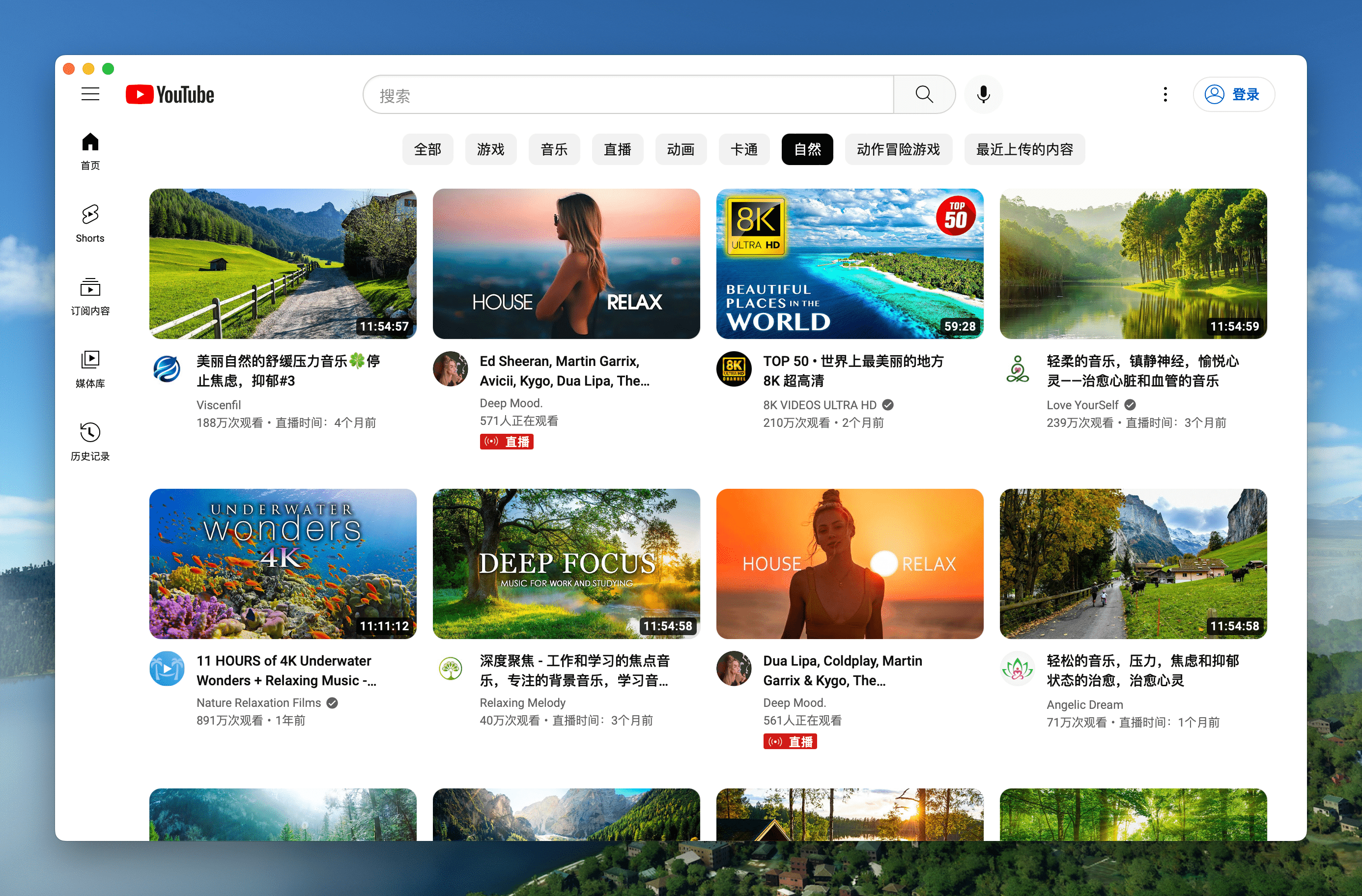
LiZhi Mac Windows Linux YouTube Mac Windows Linux
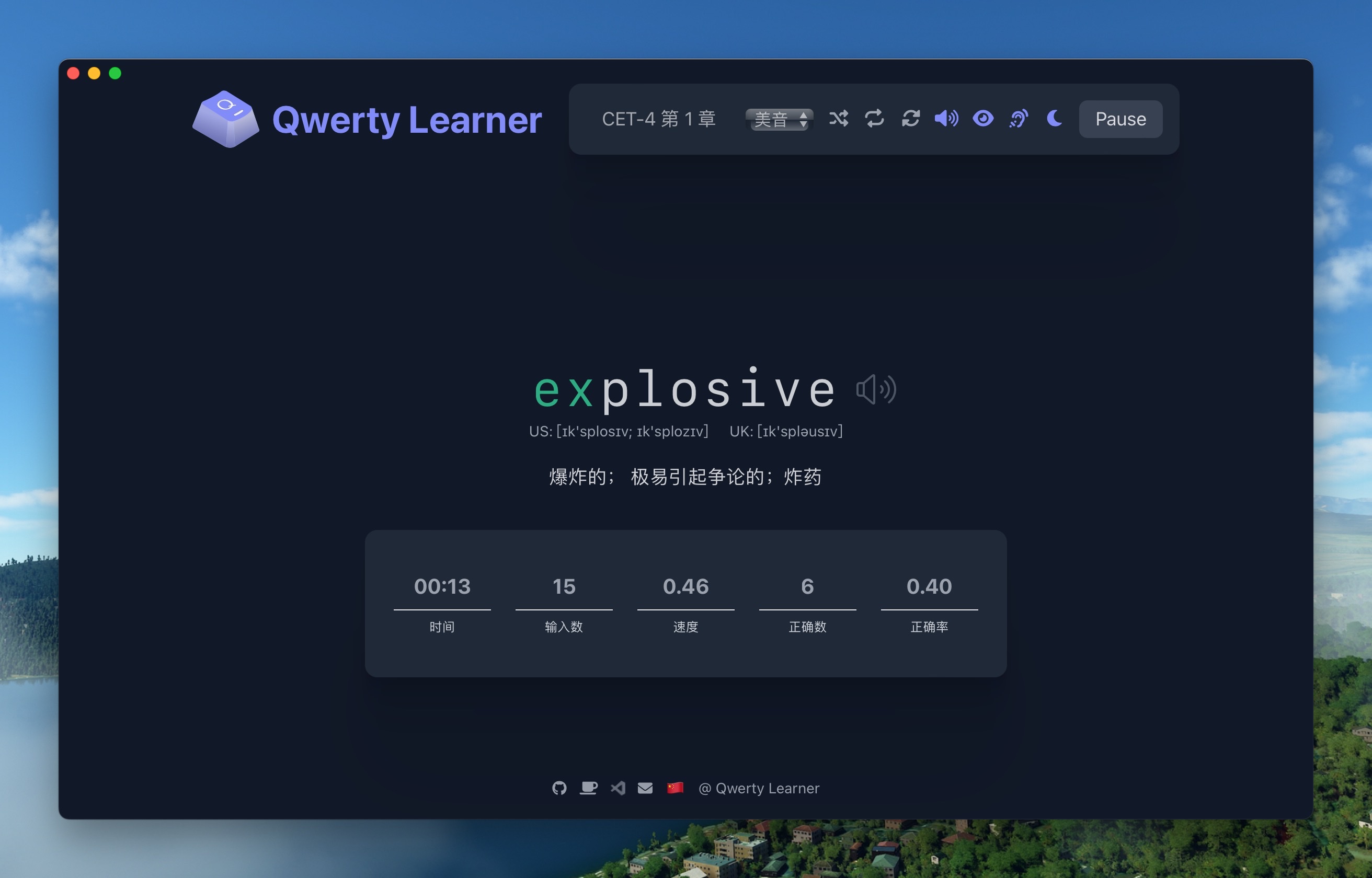
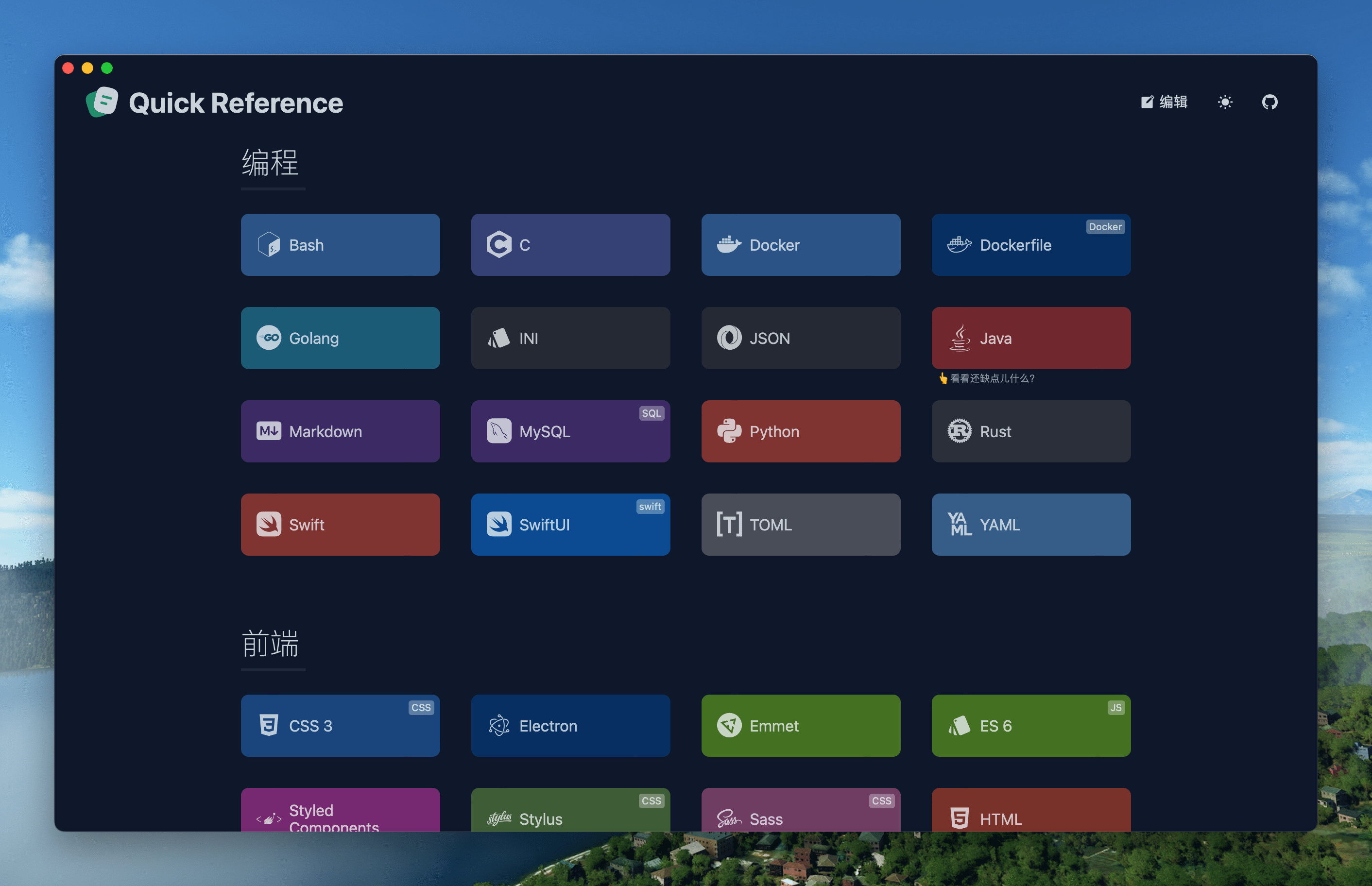
Qwerty Mac Windows Linux Reference Mac Windows Linux
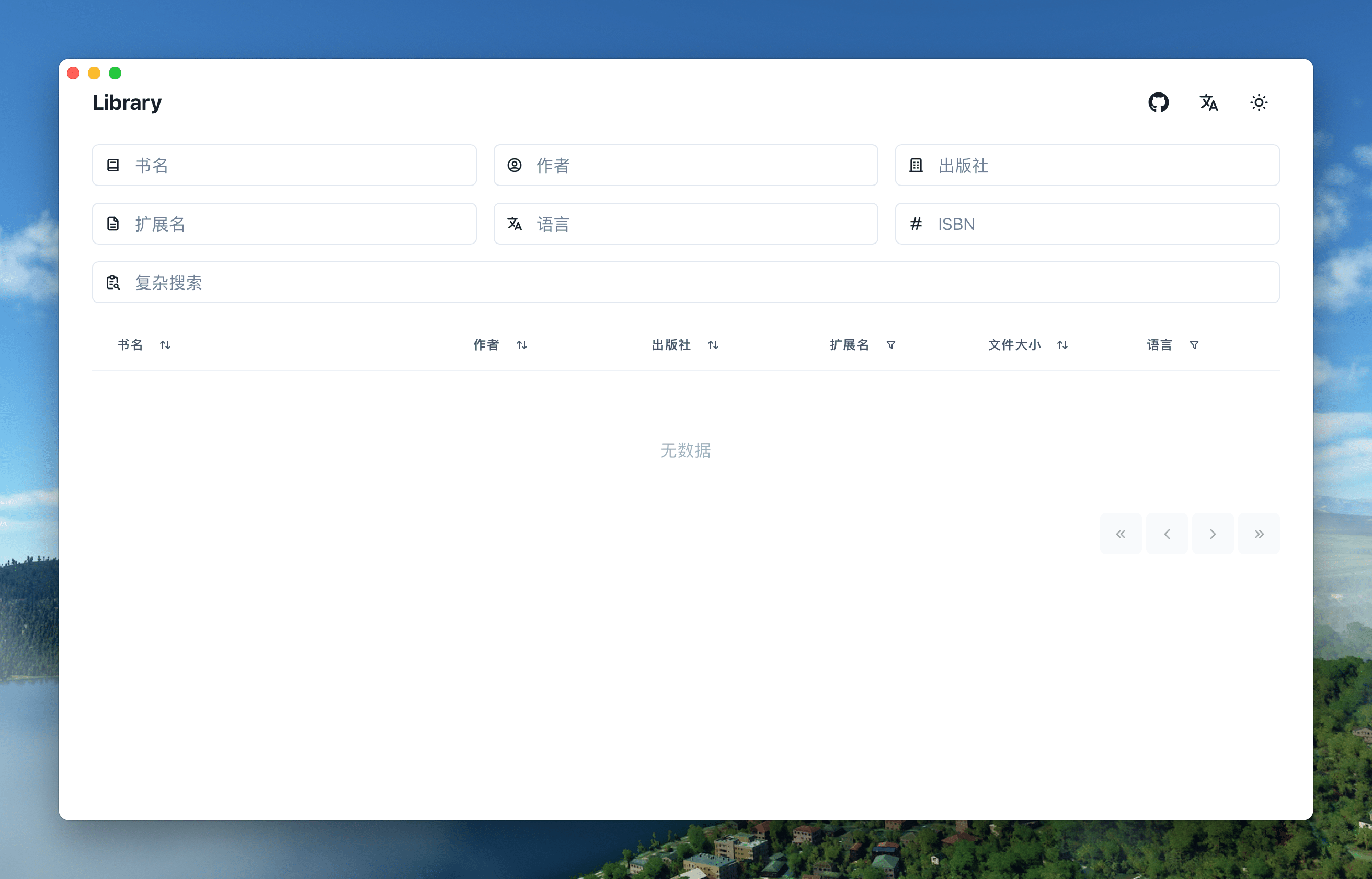
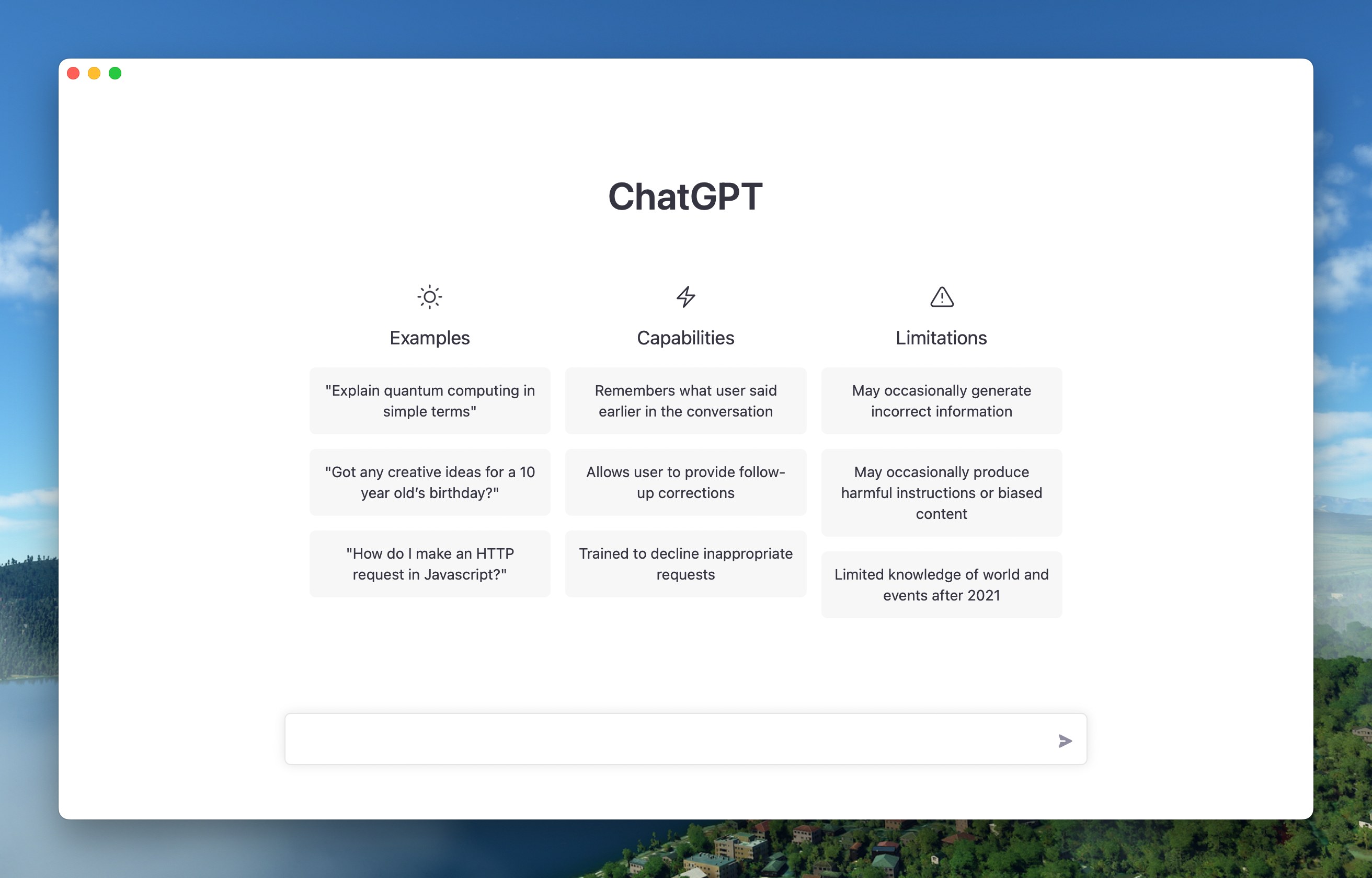
Library Mac Windows Linux ChatGPT Mac Windows Linux
🏂More applications such as Flomo / YuQue / RunCode can be downloaded from Release, click to expand shortcut descriptions
| Mac | Windows/Linux | Function | | --------------------------- | ------------------------------ | ----------------------------- | | + [ | Ctrl + | Return to the previous page | | + ] | Ctrl + | Go to the next page | | + | Ctrl + | Auto scroll to top of page | | + | Ctrl + | Auto scroll to bottom of page | | + r | Ctrl + r | Refresh Page | | + w | Ctrl + w | Hide window, not quite | | + - | Ctrl + - | Zoom out the page | | + + | Ctrl + + | Zoom in the page | | + = | Ctrl + = | Zoom in the Page | | + 0 | Ctrl + 0 | Reset the page zoom | In addition, it supports double-clicking the head to switch to full screen, Mac users support gesture mode to return and go to the next page, and dragging the head to move the window.
## Before you start 1. **Beginner users**: Use the 「Download」 method to play with Pake's capabilities, go to discussion groups for help, or try the [Github Actions](https://github.com/tw93/Pake/wiki/GitHub-Actions-Online-Compilation-Multi-system-Version) method. 2. **Development users**: Use 「command line packing」, Mac friendly, Windows/Linux requires a bit of tinkering, but both require environment [configuration](https://tauri.app/v1/guides/getting-started/prerequisites). 3. **Hacker users**: If you know both front-end and rust, try the following custom development, which allows you to customize your features with deep secondary development. ## Command line packing

**Pake provides a command line tool that makes it quicker and easier to customize the packages you need, as detailed in [documentation](./.github/workflows/docs/README_EN.md).** ```bash // Install with npm npm install -g pake-cli // Command usage pake url [options] // Play casually, first time due to the installation environment will be a little slow pake https://weekly.tw93.fun --name Weekly --transparent ``` If you are a little white who doesn't know how to use the command line, a good option is to use **GitHub Actions online compilation**, see the [tutorial](https://github.com/tw93/Pake/wiki/GitHub-Actions-Online-Compilation-Multi-system-Version). ## Development Before starting, make sure that the computer has installed the Rust `>=1.63` and Node `>=16 as 16.18.1` environment,refer to the [Tauri documentation](https://tauri.app/v1/guides/getting-started/prerequisites) to quickly configure your environment before you start. If you don't understand, it will be more appropriate to use the above command line to pack with one click. ```sh // Install Dependencies npm i // Local development npm run dev // Local debug npm run dev:debug // Pack application npm run build ``` ## Advanced use 1. The code structure can be referred to [Here](https://github.com/tw93/Pake/wiki/Description-of-Pake's-code-structure), it is convenient for you to learn more before development. 2. Modify the `tauri.conf.json` and `tauri.xxx.conf.json` in the `src-tauri` directory to include 4 fields `url, productName, icon, identifier`, icon can be selected from the `icons` directory or downloaded from [macOSicons](https://macosicons.com/#/) to match the product. 3. For window property settings, you can modify the `width/height` of the `windows` property in `tauri.conf.json`, whether it is `fullscreen`, whether it is `resizable`, If you want to adapt the immersive header under Mac, you can set `transparent` to `true` and then find header element and add the `padding-top` style. 4. About style rewriting, advertising shielding, js injection, container message communication, and user-defined shortcut keys, you can see [Advanced Usage of Make](https://github.com/tw93/Pake/wiki/Advanced-Usage-of-Make). ## Developer Pake's development can not be separated from these Hackers, together contributed a lot of ability, also welcome to follow them ❤️
tw93
Tw93
Tlntin
Tlntin
pan93412
Pan93412
wanghanzhen
Volare
liby
Bryan Lee
essesoul
Essesoul
m1911star
Horus
AielloChan
Aiello
QingZ11
Steam
2nthony
2nthony
nekomeowww
Ayaka Neko
turkyden
Dengju Deng
Fechin
Fechin
princemaple
Po Chen
houhoz
Hyzhao
liusishan
Liusishan
piaoyidage
Ranger
## Support 1. I have two cats, one is called TangYuan, and one is called Coke, If you think Pake makes your life better, you can give my cats feed canned food 🥩🍤. 2. If you like Pake, you can star it in Github. Also welcome to [recommend Pake](https://twitter.com/intent/tweet?url=https://github.com/tw93/Pake&text=%23Pake%20-%20A%20simple%20Rust%20packaged%20web%20pages%20to%20generate%20Mac%20App%20tool,%20compared%20to%20traditional%20Electron%20package,%20the%20size%20of%20nearly%2040%20times%20smaller,%20generally%20about%202M,%20the%20underlying%20use%20of%20Tauri,%20performance%20experience%20than%20the%20JS%20framework%20is%20much%20lighter~) to your friends. 3. You can follow my [Twitter](https://twitter.com/HiTw93) to get the latest news of Pake, or join [Telegram](https://t.me/miaoyan) chat group. 4. I hope that you will enjoy playing with it. If you find a page that would be great for a Mac App, please let me know.