中文 | English

Pake
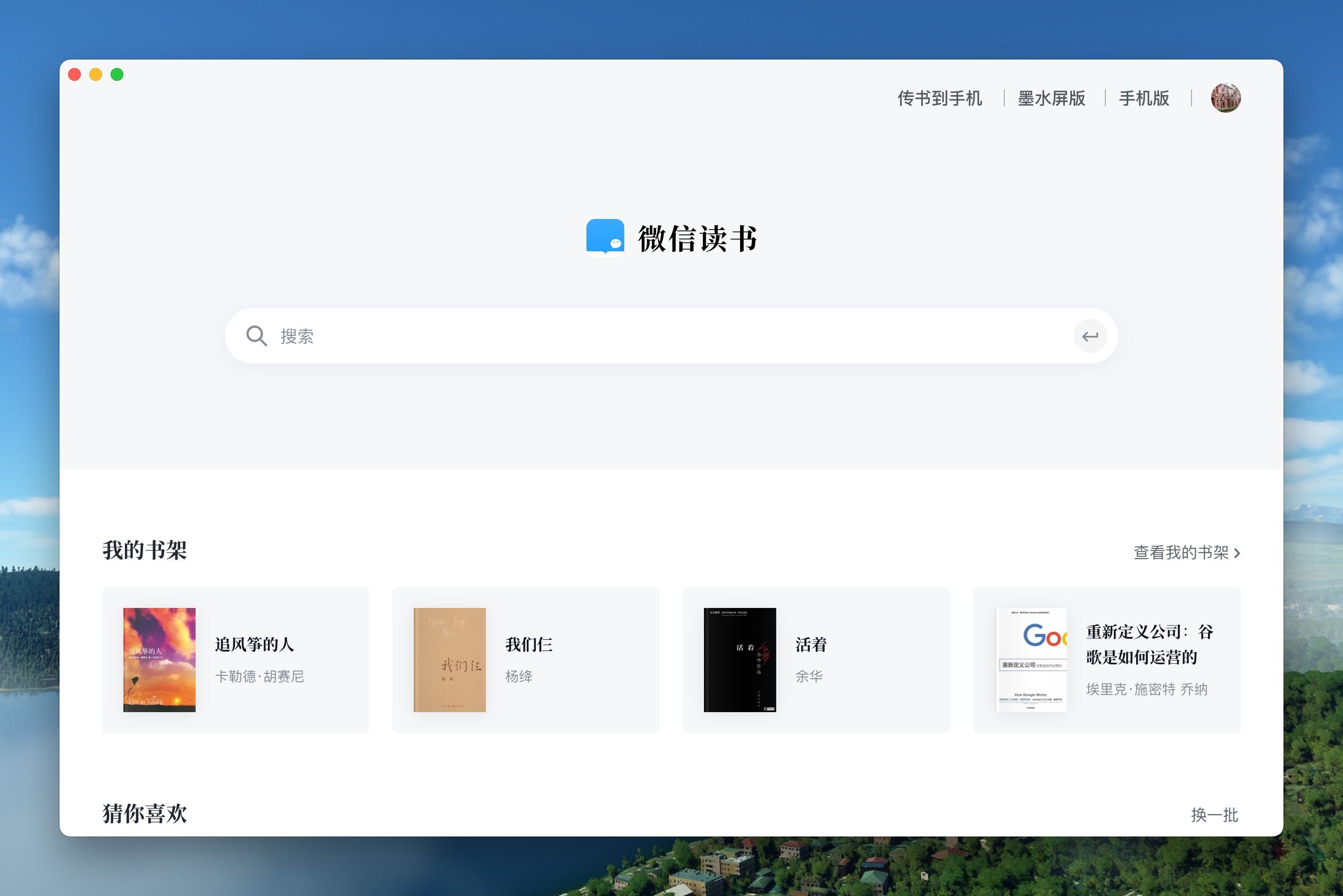
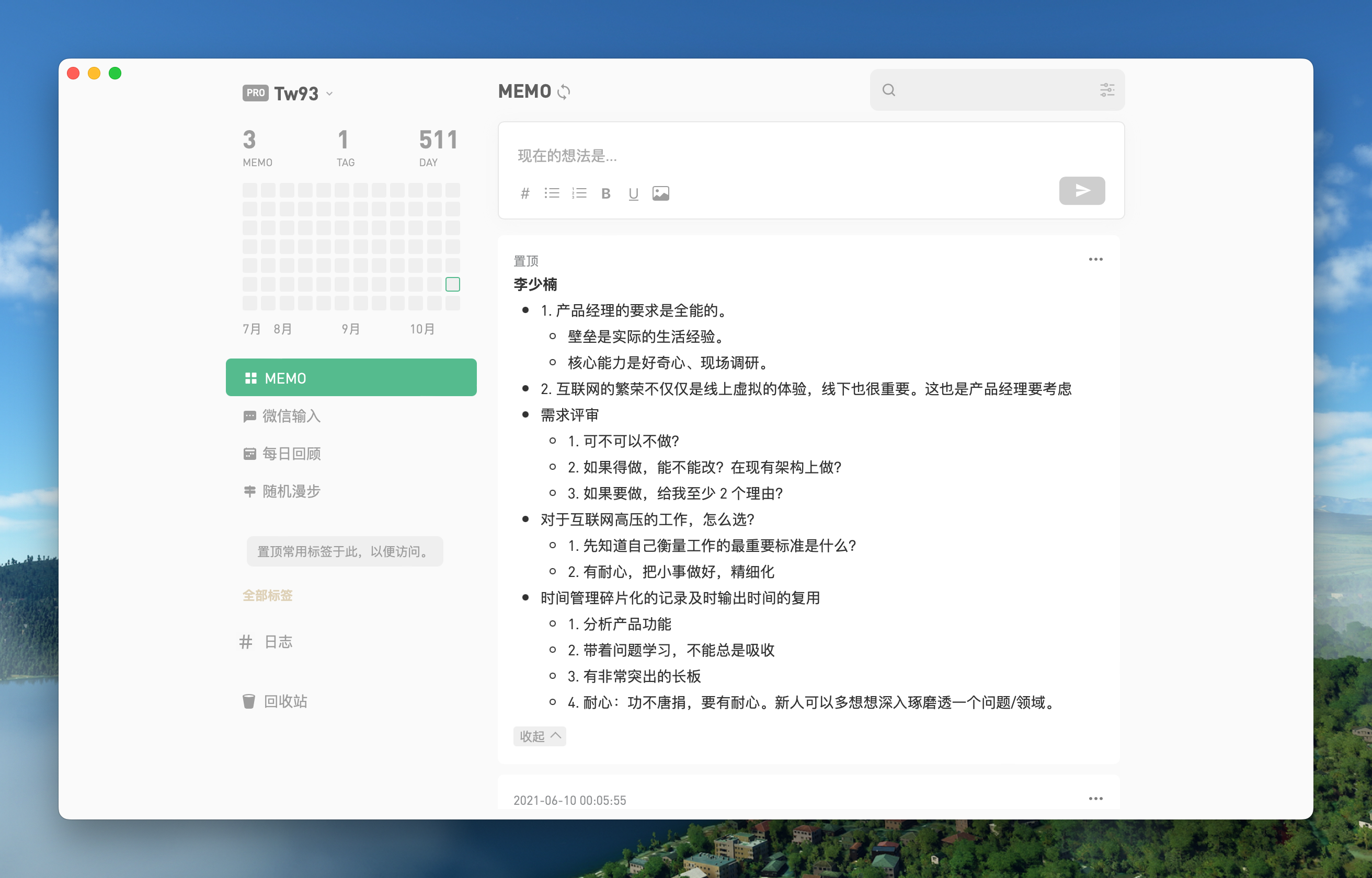
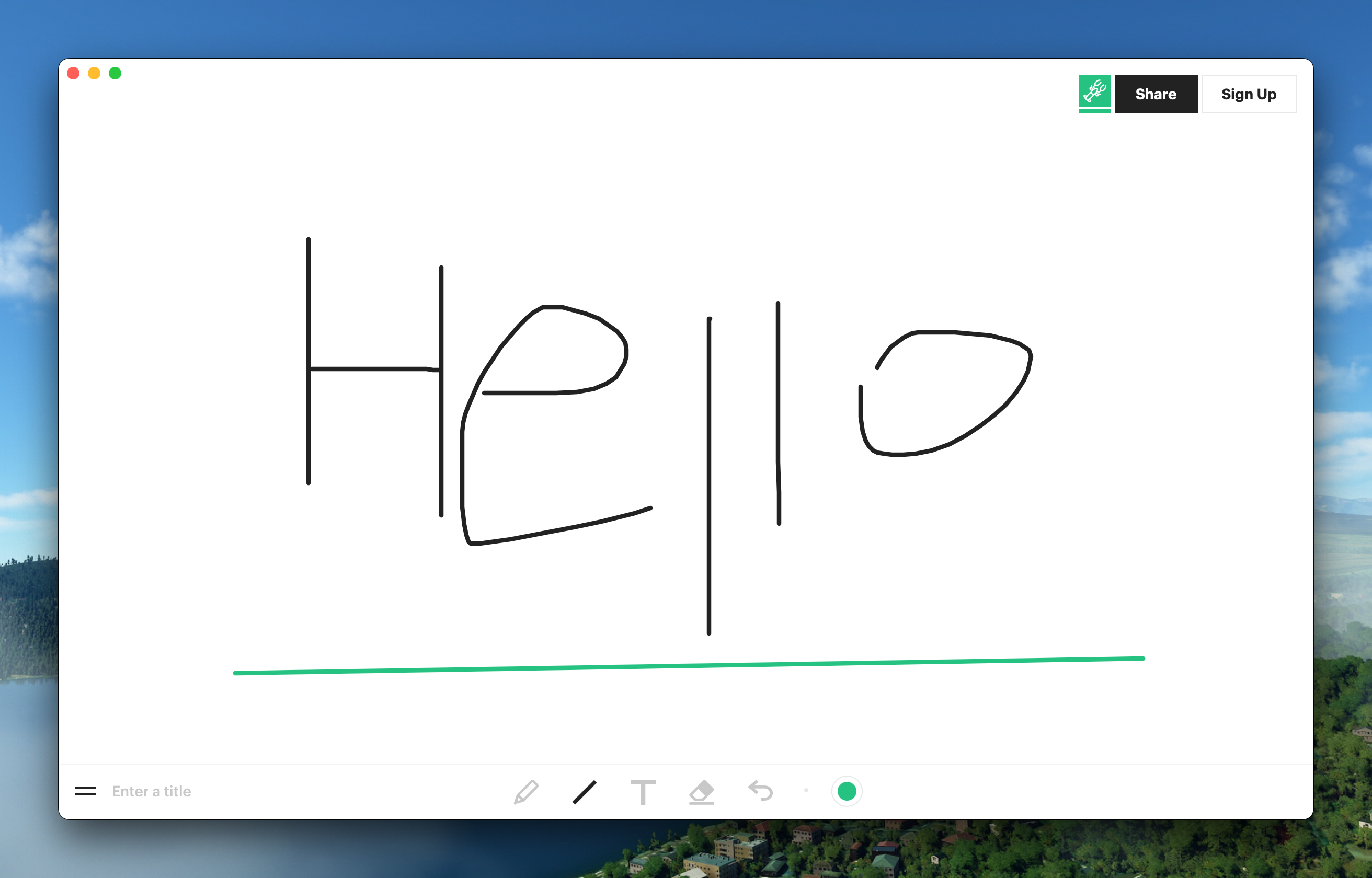
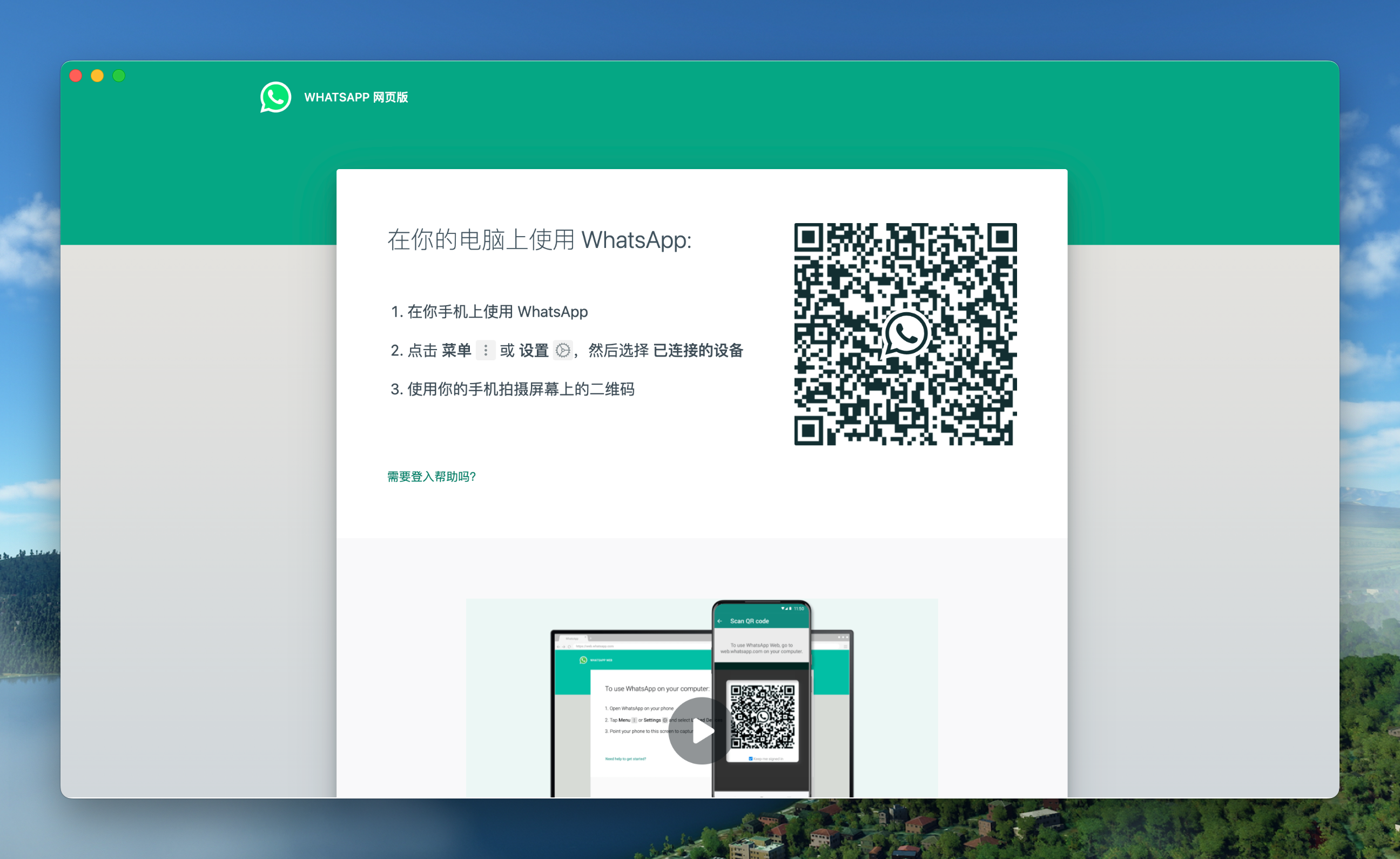
A simple way to package a web page with Rust to create Mac App, using Tauri as the underlying layer, supporting WeRead, Flomo, WhatsApp, Vercel, Witeboard.
## Features
🏂 **Small**:Nearly 50 times smaller than the Electron shell package, less than 2M.
😂 **Fast**:Using the Rust Tauri, the performance experience is much lighter and faster than JS.
🩴 **Special**:Not just packaged, with universal shortcut pass-through, immersive windows, drag-and-drop, packaged style compatibility.
🐶 **Play**:Just a very simple little toy, a way to play with Rust instead of the old idea of shelling the web.
## Shortcuts
1. `command + ←`:Return to the previous page
2. `command + →`:Go to the next page
3. `command + ↑`:Auto scroll to top of page
4. `command + ↓`:Auto scroll to bottom of page
5. `command + r`:Refresh Page
## Effect
### WeRead
Download:
### Flomo
Download:
### Witeboard
Download:
### WhatsApp
Download:
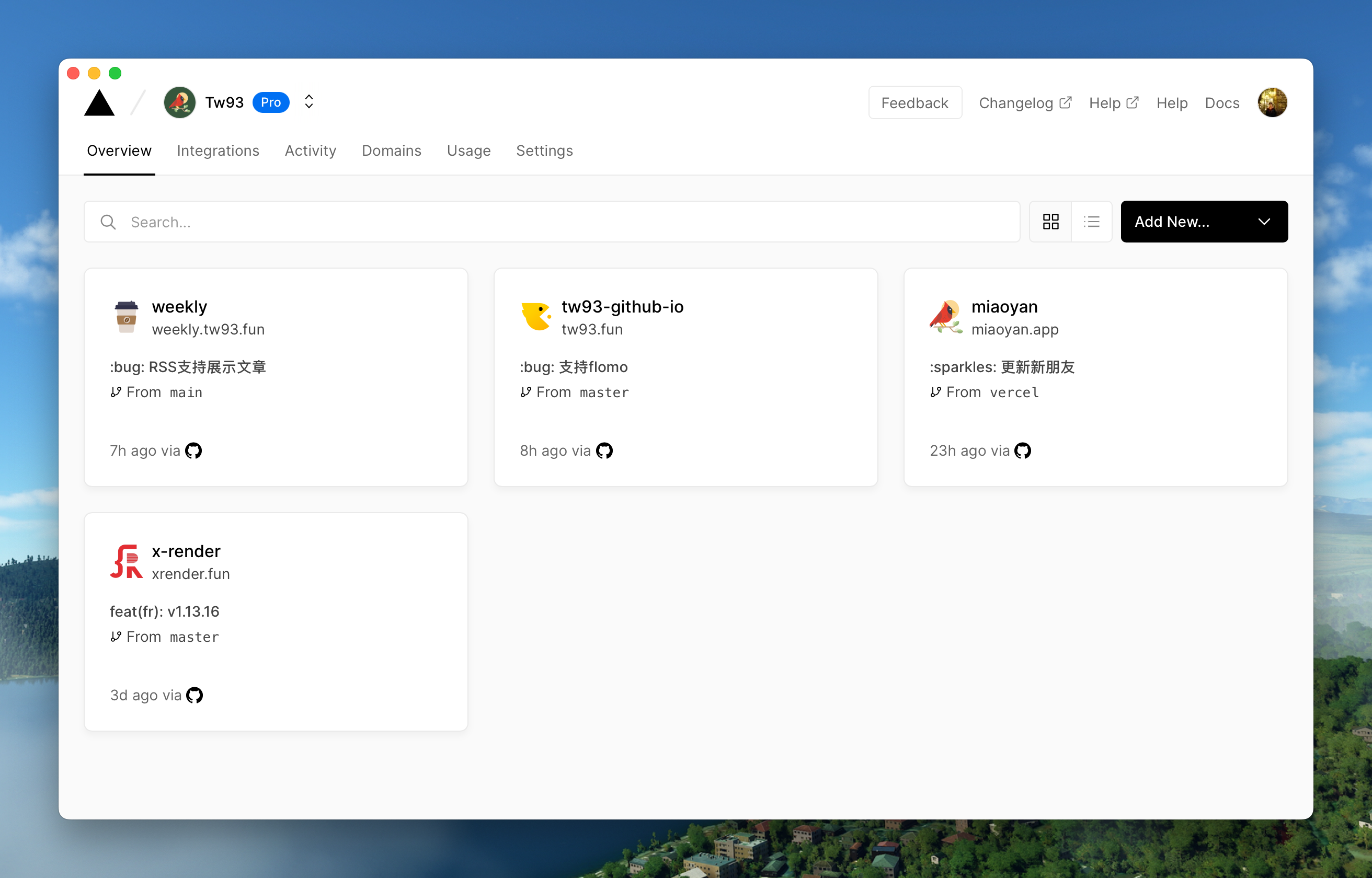
### Vercel
Download:
## Development
Refer to the [tauri documentation](https://tauri.app/v1/guides/getting-started/prerequisites#setting-up-macos) to quickly configure your environment before you start
```sh
// Install Dependencies
npm i
// Local development
npm run dev
// Pack
npm run build
```
## New pack
1. Modify the `tauri.conf.json` in the `src-tauri` directory to include 4 fields `productName, icon, title, identifier`, where icon can be downloaded from [macosicons](https://macosicons.com/#/) and placed in the `icons` directory.
2. Change the with_url field in `main.rs` in the `src-tauri/src` directory to the address of the page you want to package.
3. `npm run dev` for local debugging, and open the devtools comments in `main.rs` (search for `_devtools`) for container debugging.
4. `npm run build` can be run to package, if you have devtools mode open, remember to comment it out.
## Advanced
#### How do I rewrite the style, e.g. to remove ads from the original site, or even redesign it?
1. first open devtools debug mode, find the name of the style you want to change and verify the effect in devtools first.
2. find the location of the style in `main.rs` (search for `style.innerHTML`) and add the style you need to override, there are some examples you can copy.
3. Remember to remove the devtools comments before packaging.
#### How to inject js code, e.g. to implement event listeners, e.g. keyboard shortcuts?
1. Same preparation as in case 1 above.
2. refer to the event listener in `main.rs` (search for `document.addEventListener`), and write it directly, it's more of a basic front-end technique here.
#### How to communicate with Pake about events in containers, such as dragging and dropping, scrolling, special clicks on the Web, etc.?
1. the same preparation as in 1 above.
2. refer to the communication code in `main.rs` (search for `postMessage`), write the event listener and then use `window.ipc.postMessage` to pass the event and its parameters.
3. then refer to the container to receive events (search for `window.drag_window`) and handle them yourself. for more information, refer to tauri and wry's official documentation.
## Finally
1. I hope that you will enjoy playing with it and let me know if you have any new ideas.
2. If you find a page that would be great for a Mac App, please let me know and I'll add it to the list.