中文 | English

Pake

twitter telegram GitHub downloads GitHub commit GitHub closed issues
A simple way to package a web page to desktop application, supporting Mac / Windows / Linux, app download、command line one-click packaging、custom development can be found in the following documents, welcome to Discussions to see if there have anything you interesting.

## Features 🏂 **Small**:Nearly 40 times smaller than Electron package, less than 3M. 😂 **Fast**:Using the Rust Tauri, the performance experience is much lighter and faster than JS, memory is much smaller. 🩴 **Special**:Not just packaged, with shortcut pass-through, immersive windows, minimalist customization of products. 🐶 **Toy**:Just a very simple little toy, a way to play with Rust instead of the old idea of shelling the web. ## Download
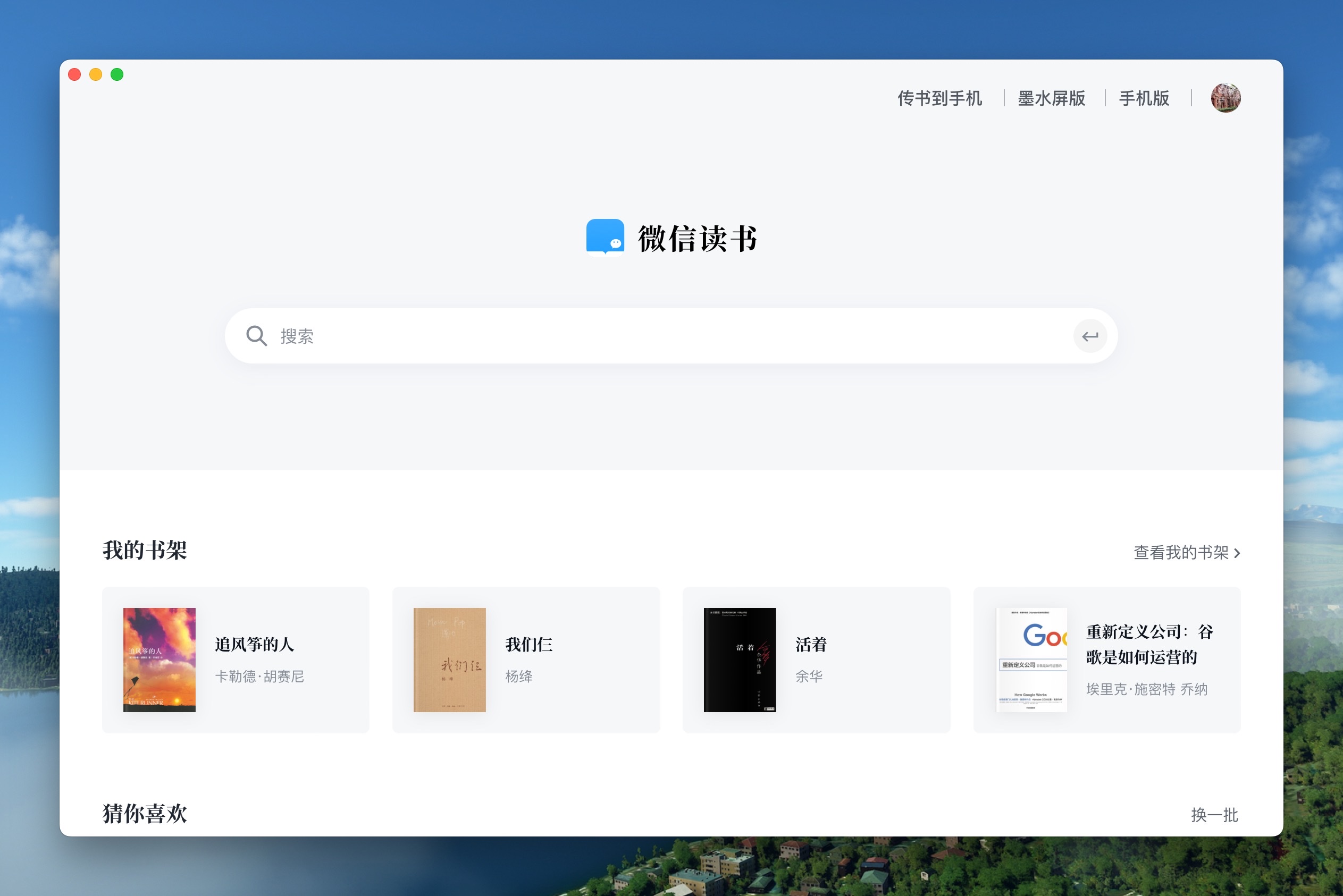
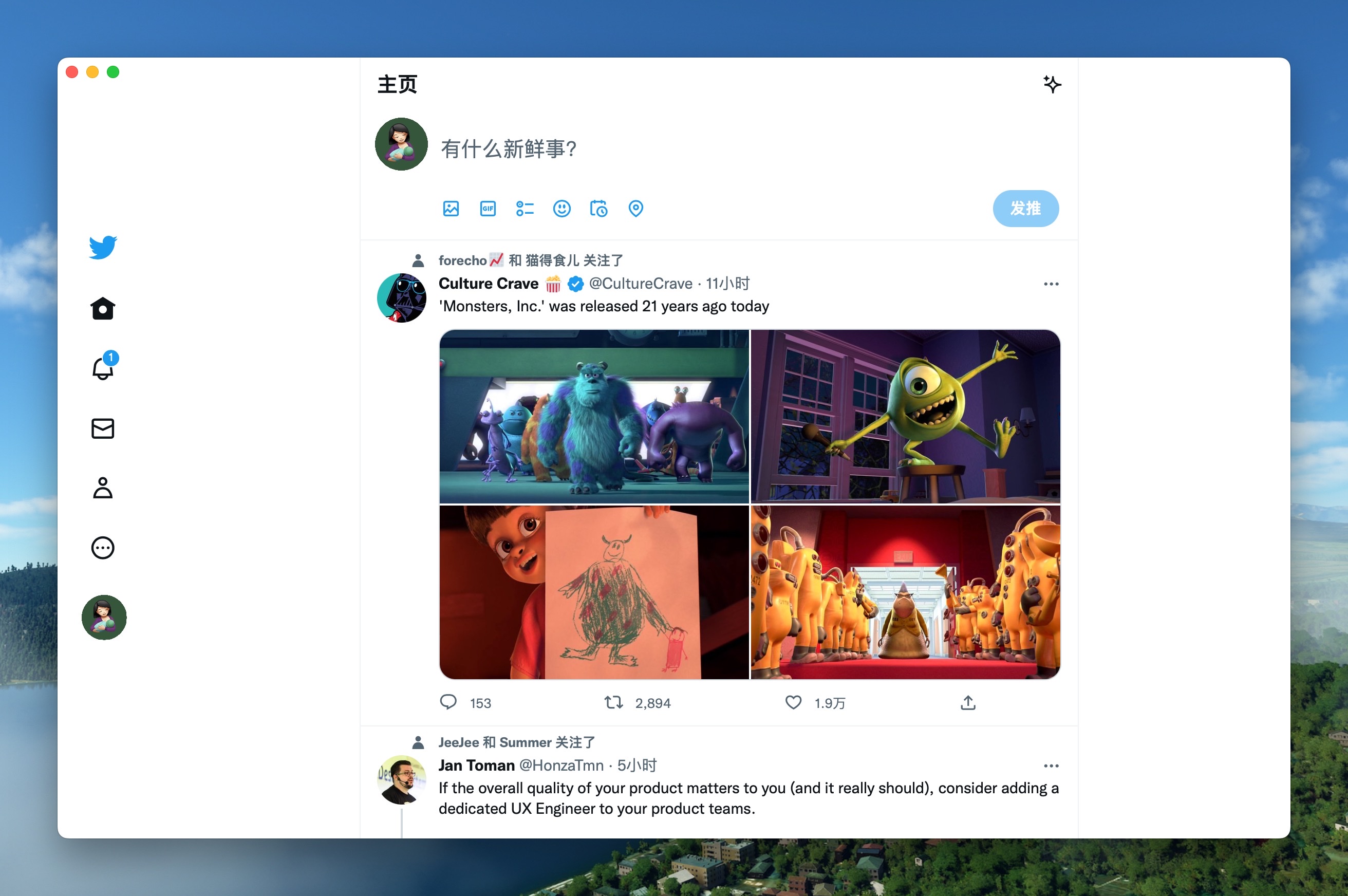
WeRead Download Twitter Download
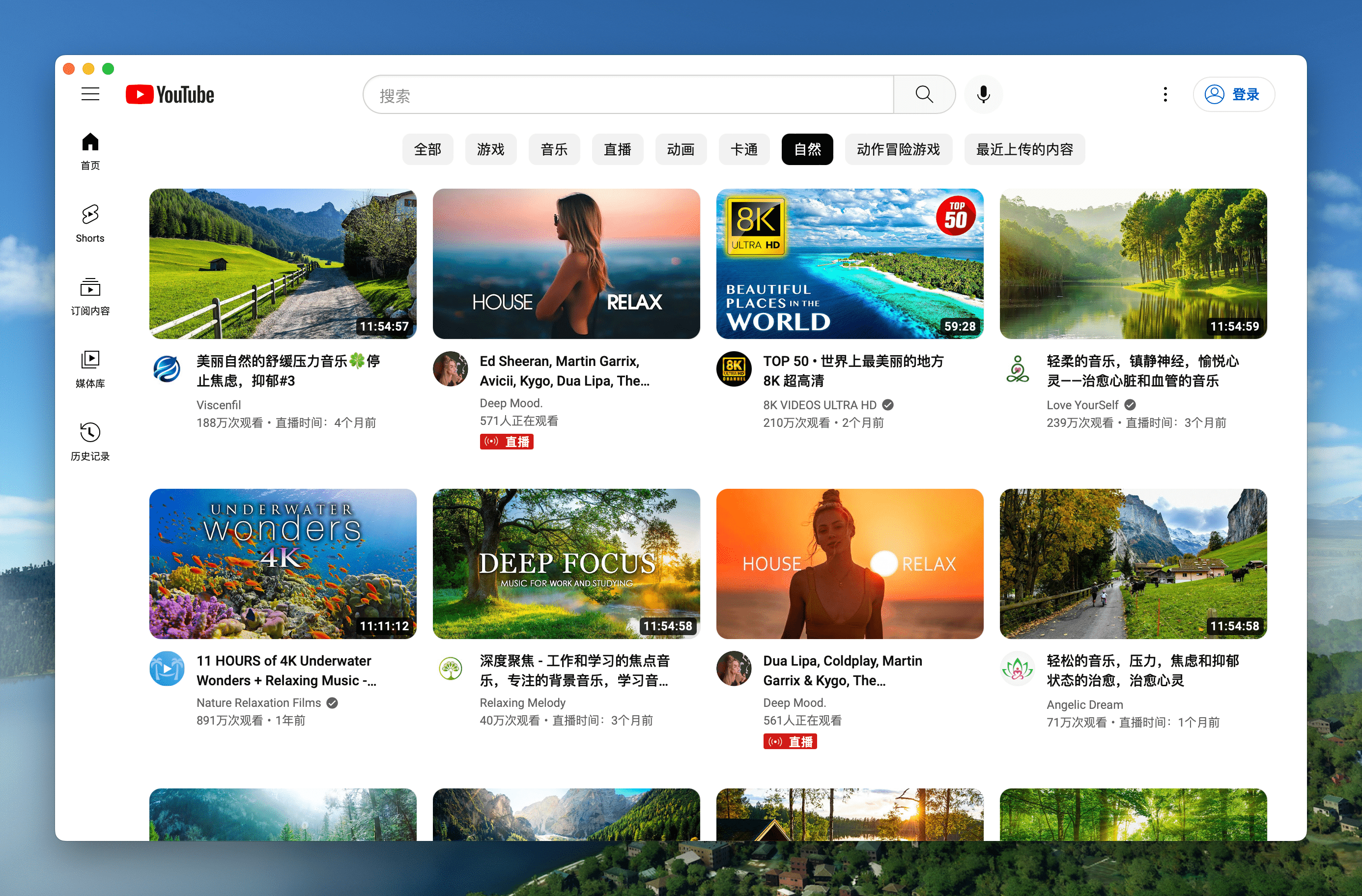
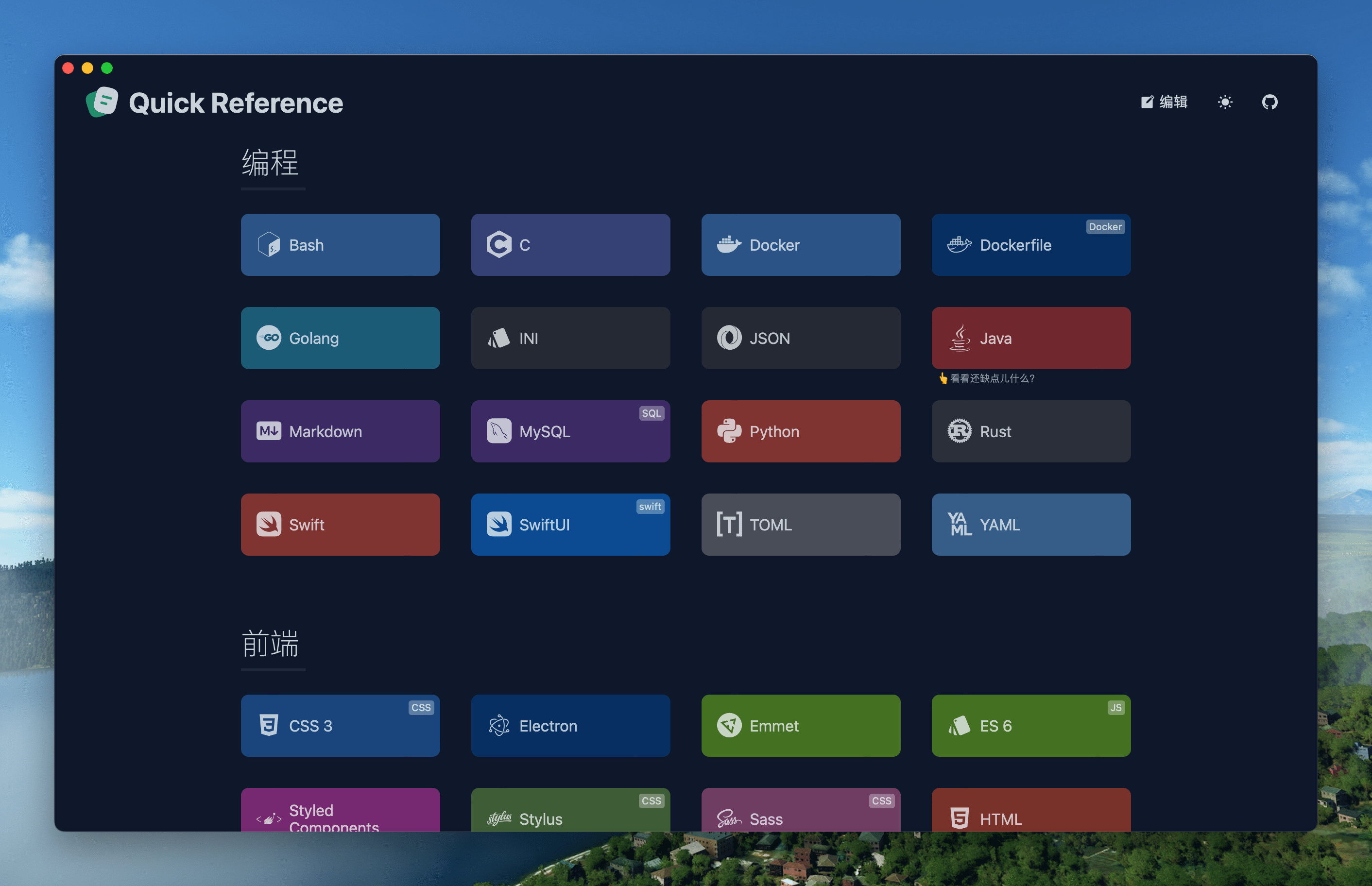
YouTube Download Reference Download
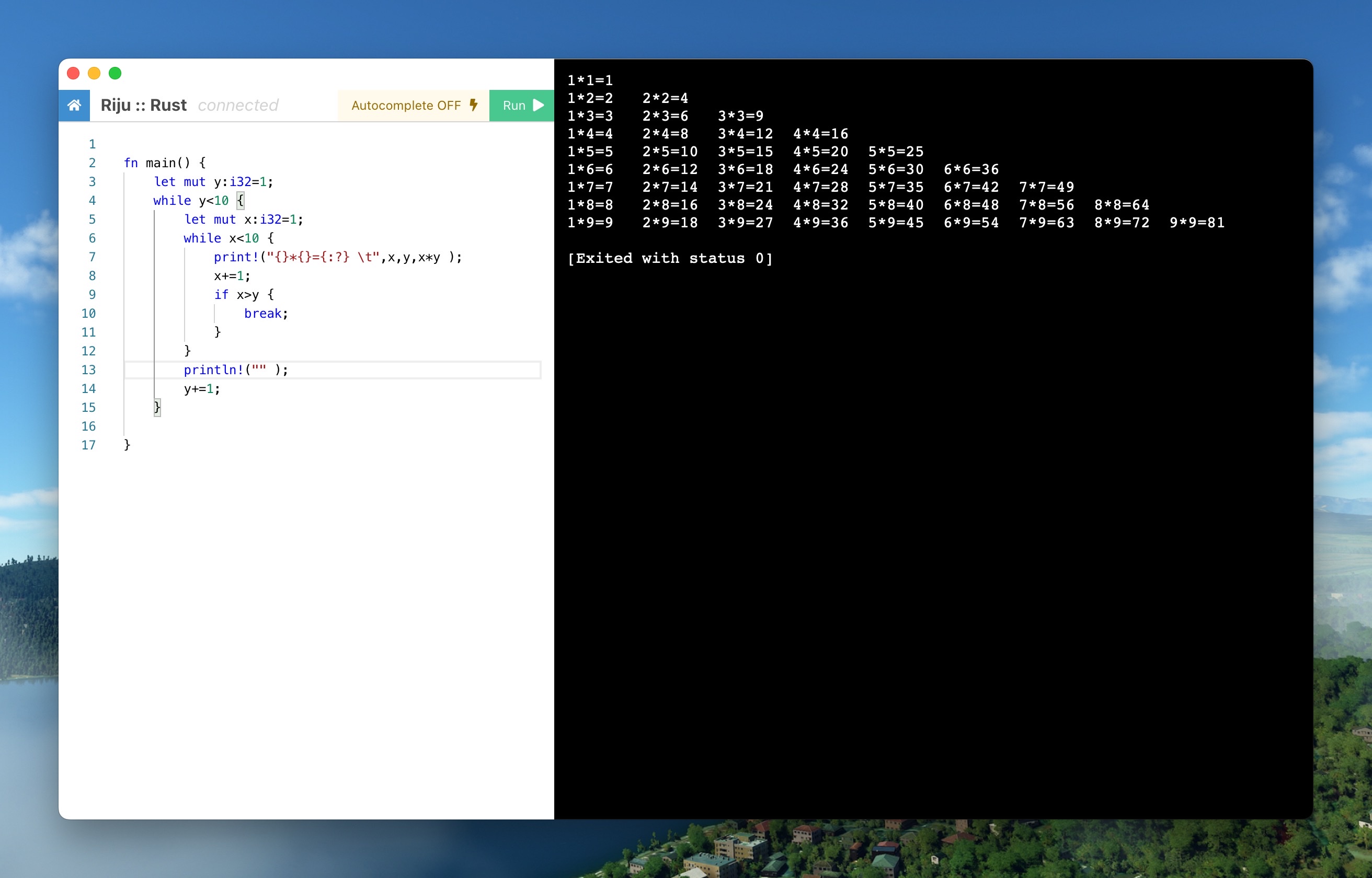
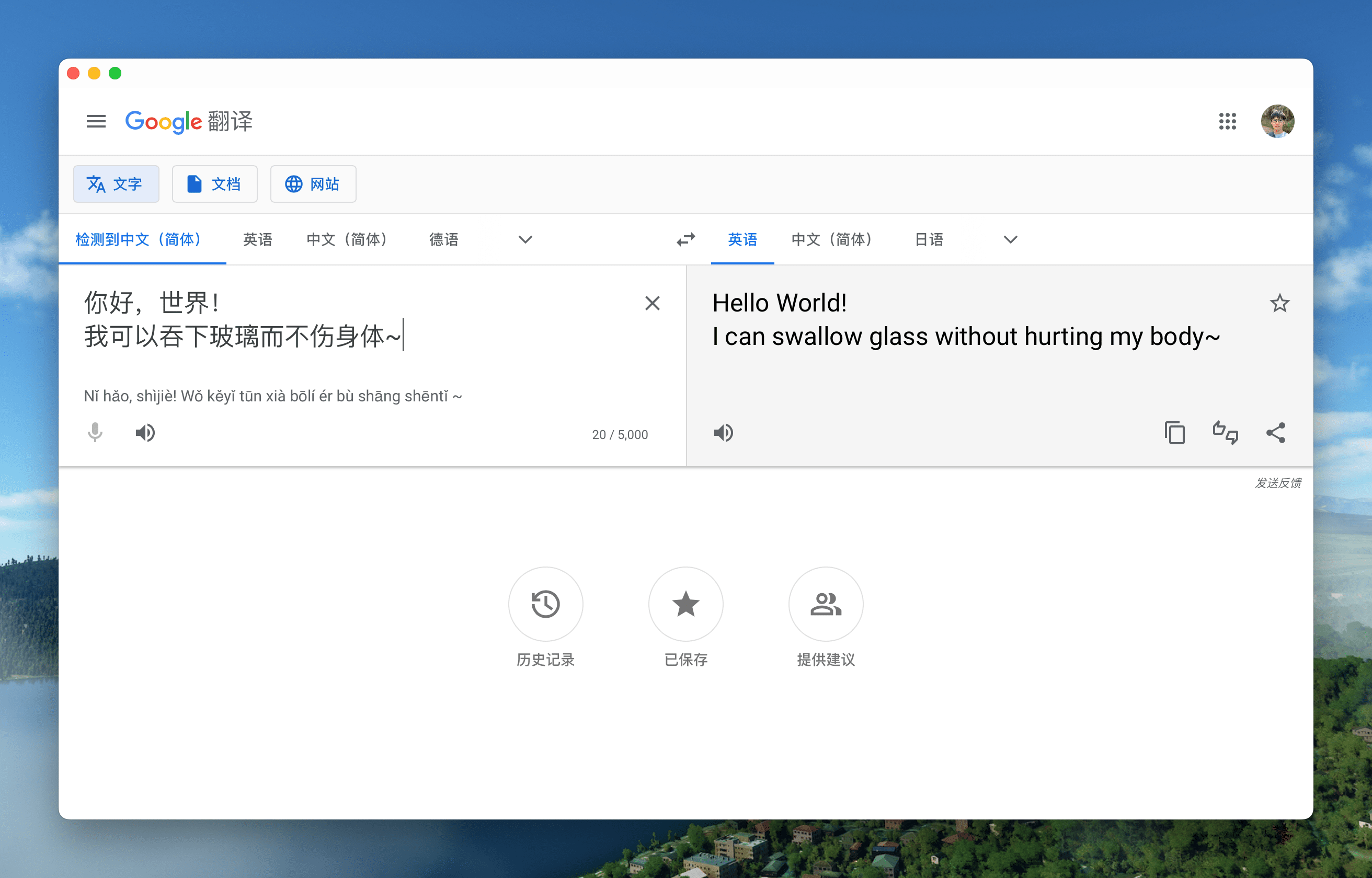
RunCode Download Google Translate Download
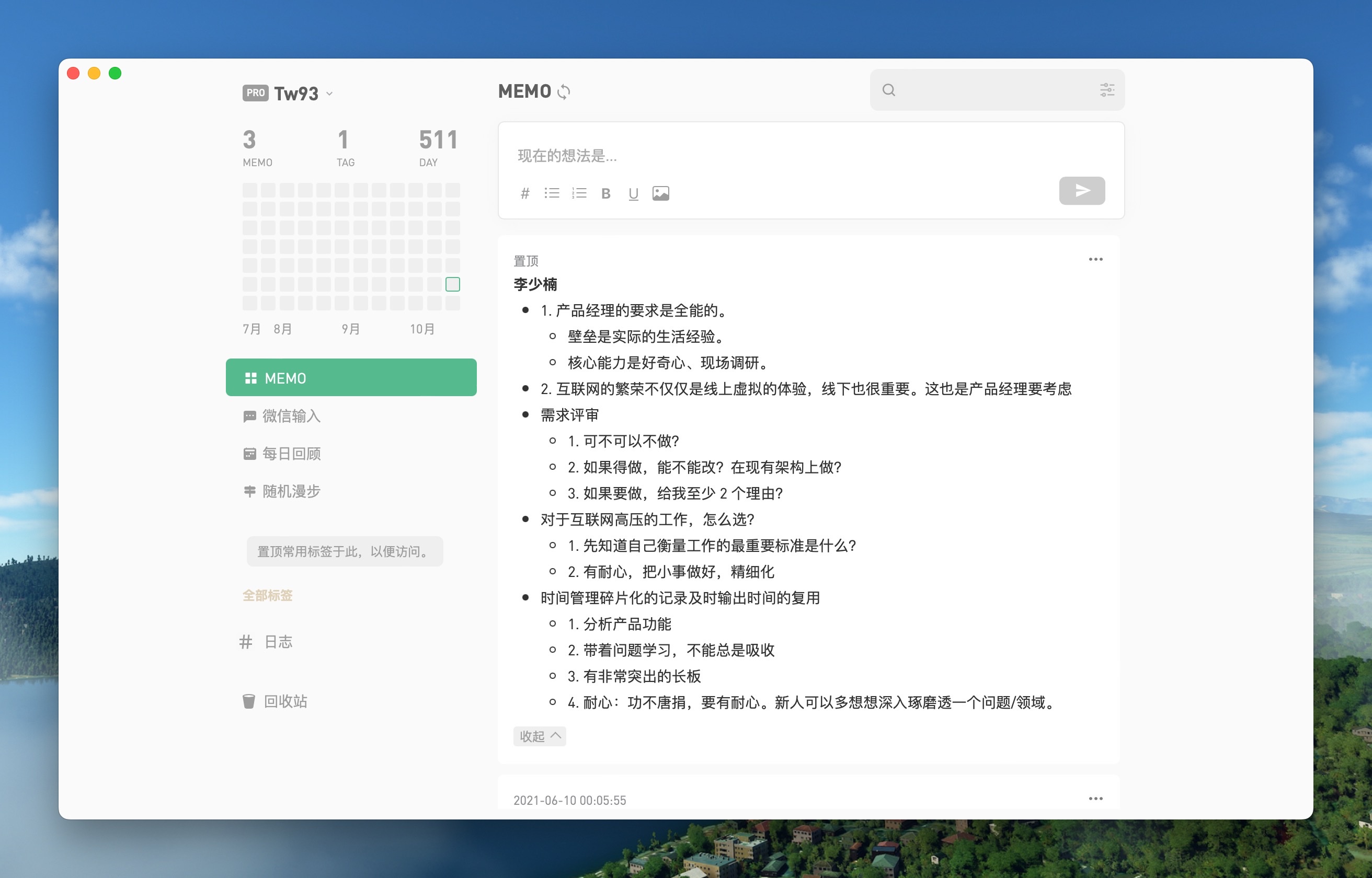
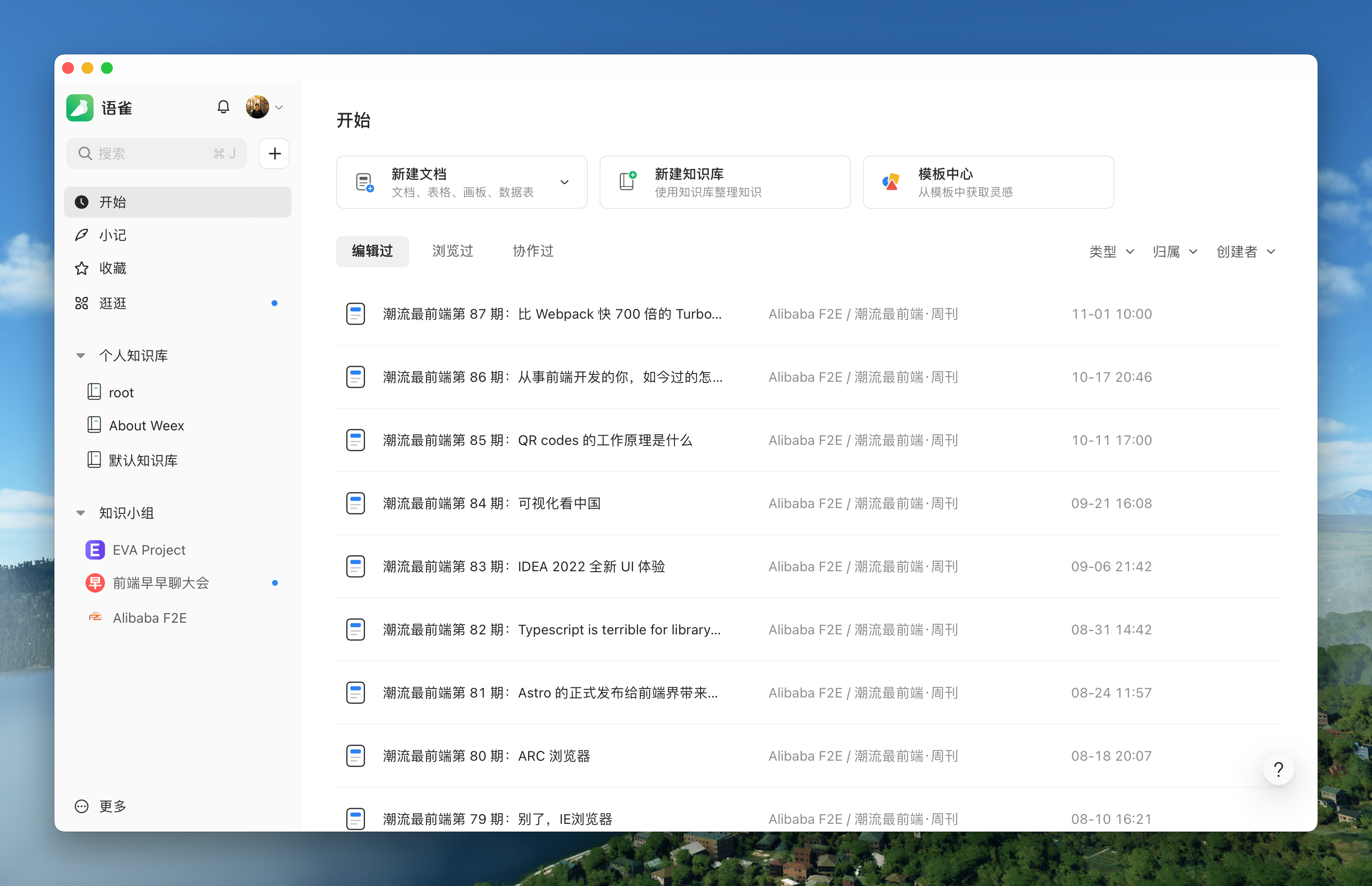
Flomo Download YuQue Download
More common apps and Windows/Linux apps can be downloaded from [Releases](https://github.com/tw93/Pake/releases). It cannot be installed to C:\Program File under Windows, and it will crash directly. It is recommended to install to other non-administrator directories, such as D:\Program Files (x86). ## Shortcuts | Mac | Windows/Linux | Function | | --------------------------- | ------------------------------ | ----------------------------- | | + [ | Ctrl + | Return to the previous page | | + ] | Ctrl + | Go to the next page | | + | Ctrl + | Auto scroll to top of page | | + | Ctrl + | Auto scroll to bottom of page | | + r | Ctrl + r | Refresh Page | | + w | Ctrl + w | Hide window, not quite | | + - | Ctrl + - | Zoom out the page | | + + | Ctrl + + | Zoom in the page | | + = | Ctrl + = | Zoom in the Page | | + 0 | Ctrl + 0 | Reset the page zoom | In addition, it supports double clicking the head to switch to full screen, and dragging the head to move the window ## Development Refer to the [Tauri documentation](https://tauri.app/v1/guides/getting-started/prerequisites#setting-up-macos) to quickly configure your environment before you start. ```sh // Install Dependencies npm i // Local development npm run dev // Pack Mac application npm run build // Pack Windows application npm run build:windows // Pack Linux application npm run build:linux // One-click packaging of all Linux/Mac projects chmod +x build.sh && ./build.sh // One-click packaging of all Windows projects .\build.bat ``` // Package all your projects in one click chmod +x build.sh && ./build.sh ## New pack 1. Modify the `tauri.conf.json` in the `src-tauri` directory to include 4 fields `url, productName, icon, identifier`, icon can be selected from the `icons` directory or downloaded from [macOSicons](https://macosicons.com/#/) to match the product. 2. For window property settings, you can modify the `width/height` of the `windows` property in `tauri.conf.json`, whether it is `fullscreen`, whether it is `resizable`, If you want to adapt the immersive header under Mac, you can set `transparent` to `true` and then find header element and add the `padding-top` style. 3. `npm run dev` for local debugging; `npm run dev:debug` to open the devtools for container debugging. 4. `npm run build` can be run to package for production. ## Advanced #### 1. How do I rewrite the style, e.g. to remove ads from the original site, or even redesign it? First, open devtools debug mode with `npm run dev:debug`. After that, find the name of the style you want to change and verify the effect in devtools, and find the location of the style in `pake.js` with `style.innerHTML`. Finally, add the style you need to override, there are some examples you can copy. #### 2. How to inject js code, e.g. to implement event listeners, e.g. keyboard shortcuts? Refer to the event listener in `pake.js` with `document.addEventListener`, and write it directly, it's more of a basic front-end technique here. #### 3. How to communicate with Pake about events in containers, such as dragging and dropping, scrolling, special clicks on the Web, etc.? Refer to the communication code in `pake.js` with `postMessage`, write the event listener and then use `window.ipc.postMessage` to pass the event and its parameters, then refer to the container to receive events `window.drag_window` and handle them yourself, for more information, refer to tauri and wry's official documentation. ## Support - I have two cats, one is called TangYuan, and one is called Coke, If you think Pake makes your life better, you can give my cats feed canned food 🥩🍤. - If you like Pake, you can star it in Github. We are more welcome to [recommend Pake](https://twitter.com/intent/tweet?url=https://github.com/tw93/Pake&text=Pake%20-%20A%20simple%20Rust%20packaged%20web%20pages%20to%20generate%20Mac%20App%20tool,%20compared%20to%20traditional%20Electron%20package,%20the%20size%20of%20nearly%2040%20times%20smaller,%20generally%20about%202M,%20the%20underlying%20use%20of%20Tauri,%20performance%20experience%20than%20the%20JS%20framework%20is%20much%20lighter~) to your like-minded friends. - You can follow my [Twitter](https://twitter.com/HiTw93) to get the latest news of Pake, or join [Telegram](https://t.me/miaoyan) chat group. ## Finally 1. I hope that you will enjoy playing with it and let me know if you have any new ideas. 2. If you find a page that would be great for a Mac App, please let me know and I'll add it to the list.