
15 KiB
中文 | English

Pake





Features
🏂 Small:Nearly 40 times smaller than Electron package, less than 3M.
😂 Fast:Using the Rust Tauri, the performance experience is much lighter and faster than JS, memory is much smaller.
🩴 Special:Not just packaged, with shortcut pass-through, immersive windows, minimalist customization of products.
🐶 Toy:Just a very simple little toy, a way to play with Rust instead of the old idea of shelling the web.
Download
| WeRead Mac Linux Windows | Twitter Mac Linux Windows |
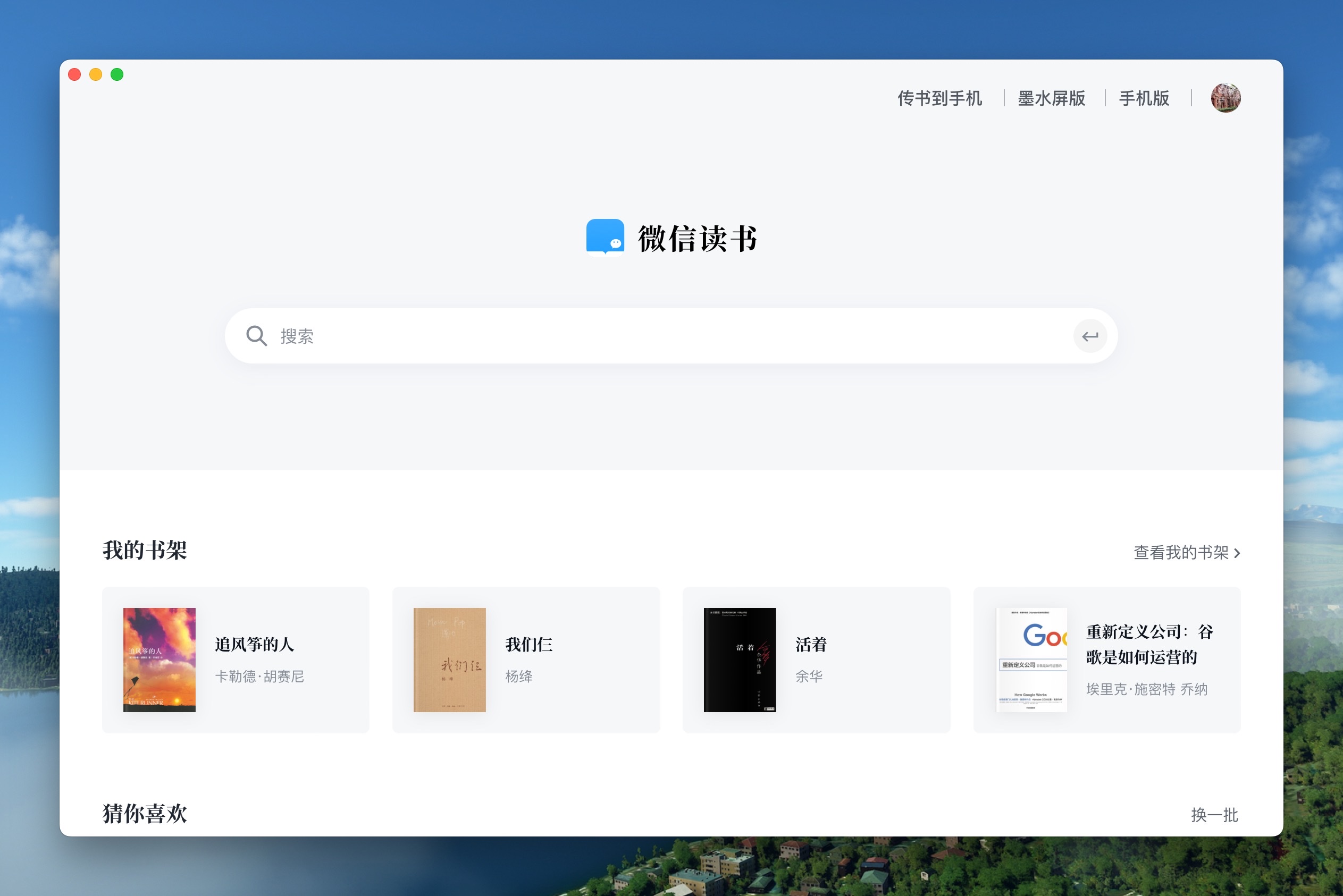 |
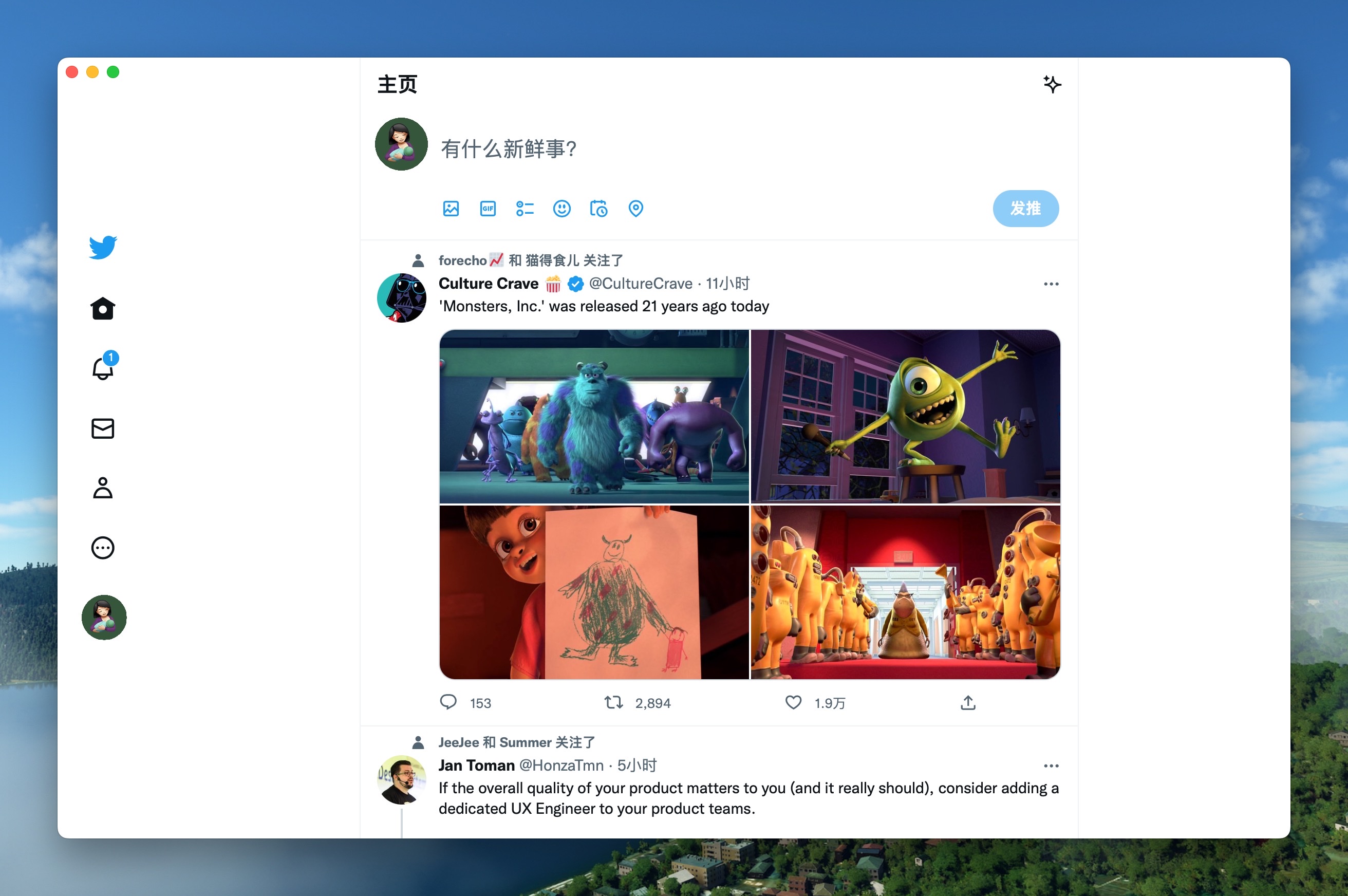 |
| ChatGPT Mac Linux Windows | Qwerty Mac Linux Windows |
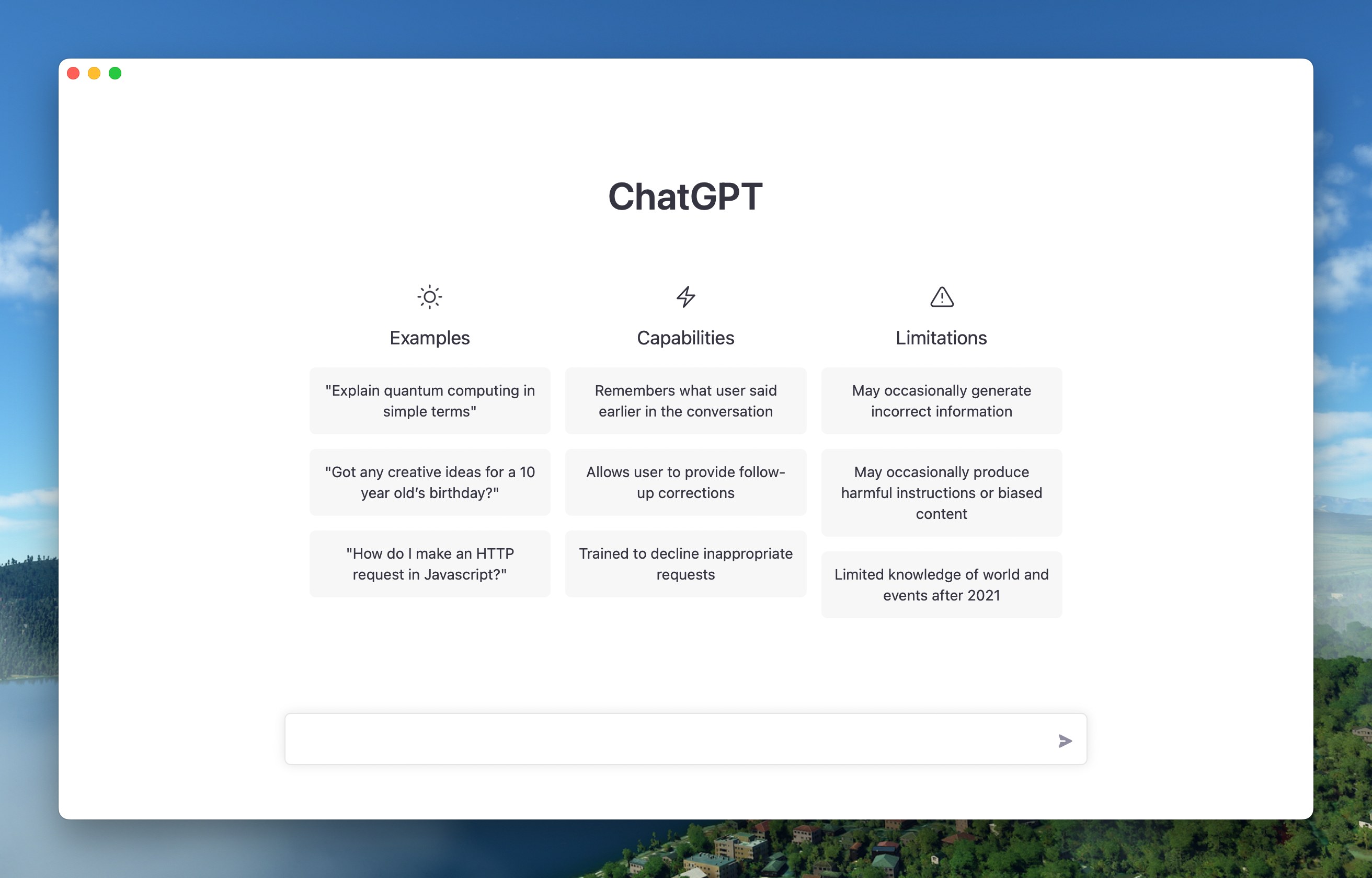 |
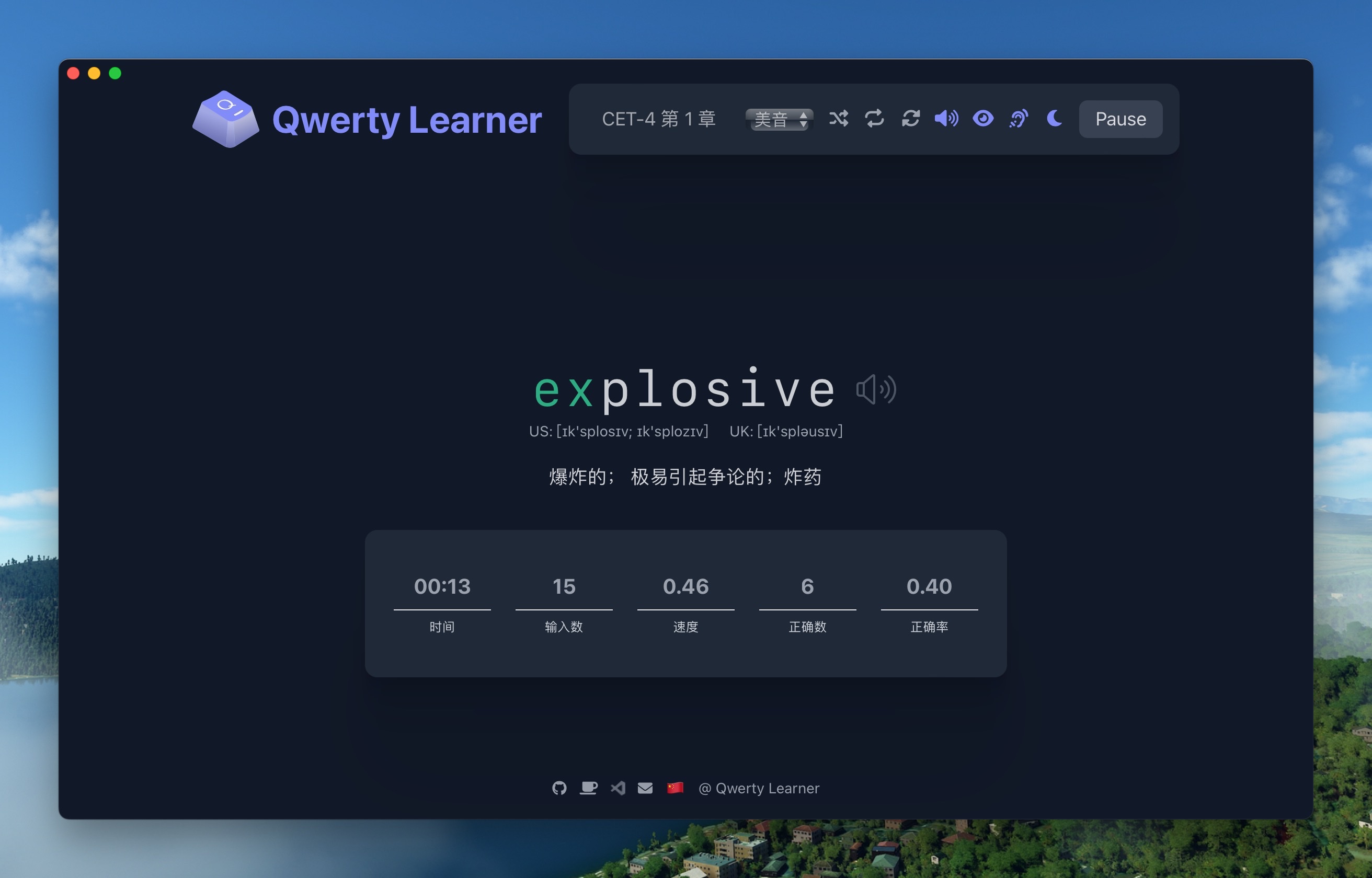 |
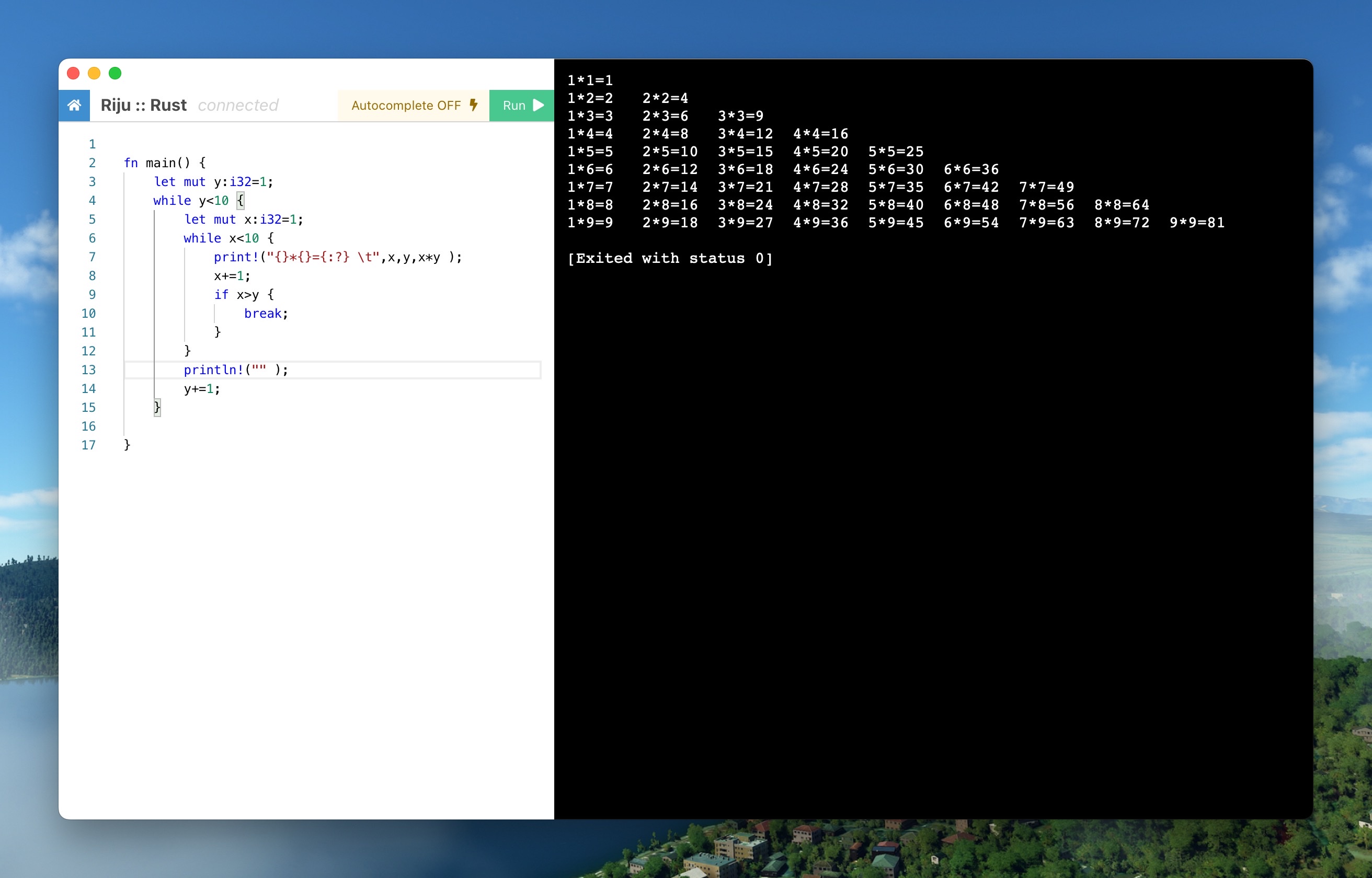
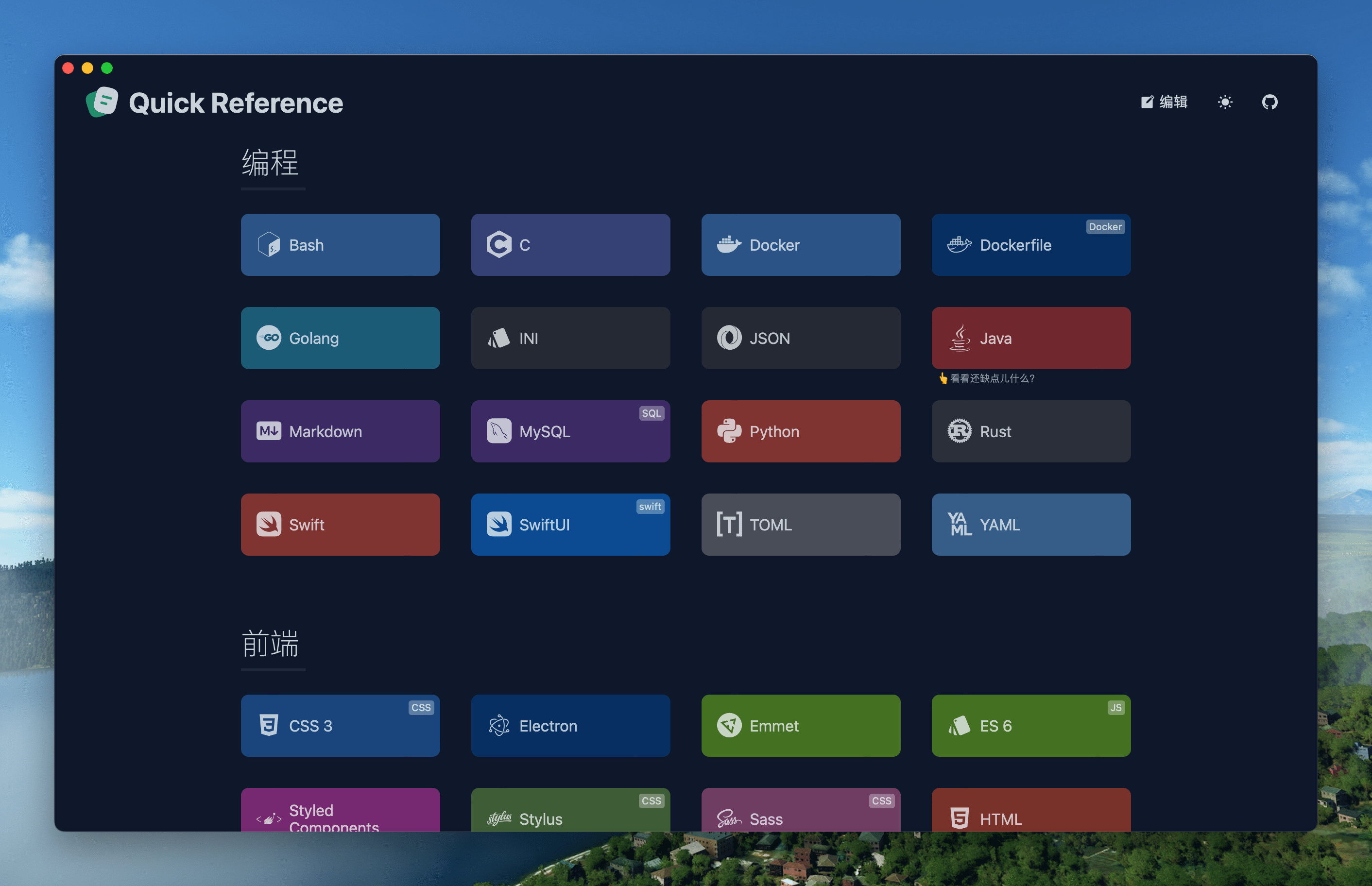
| Code Mac Linux Windows | Reference Mac Linux Windows |
 |
 |
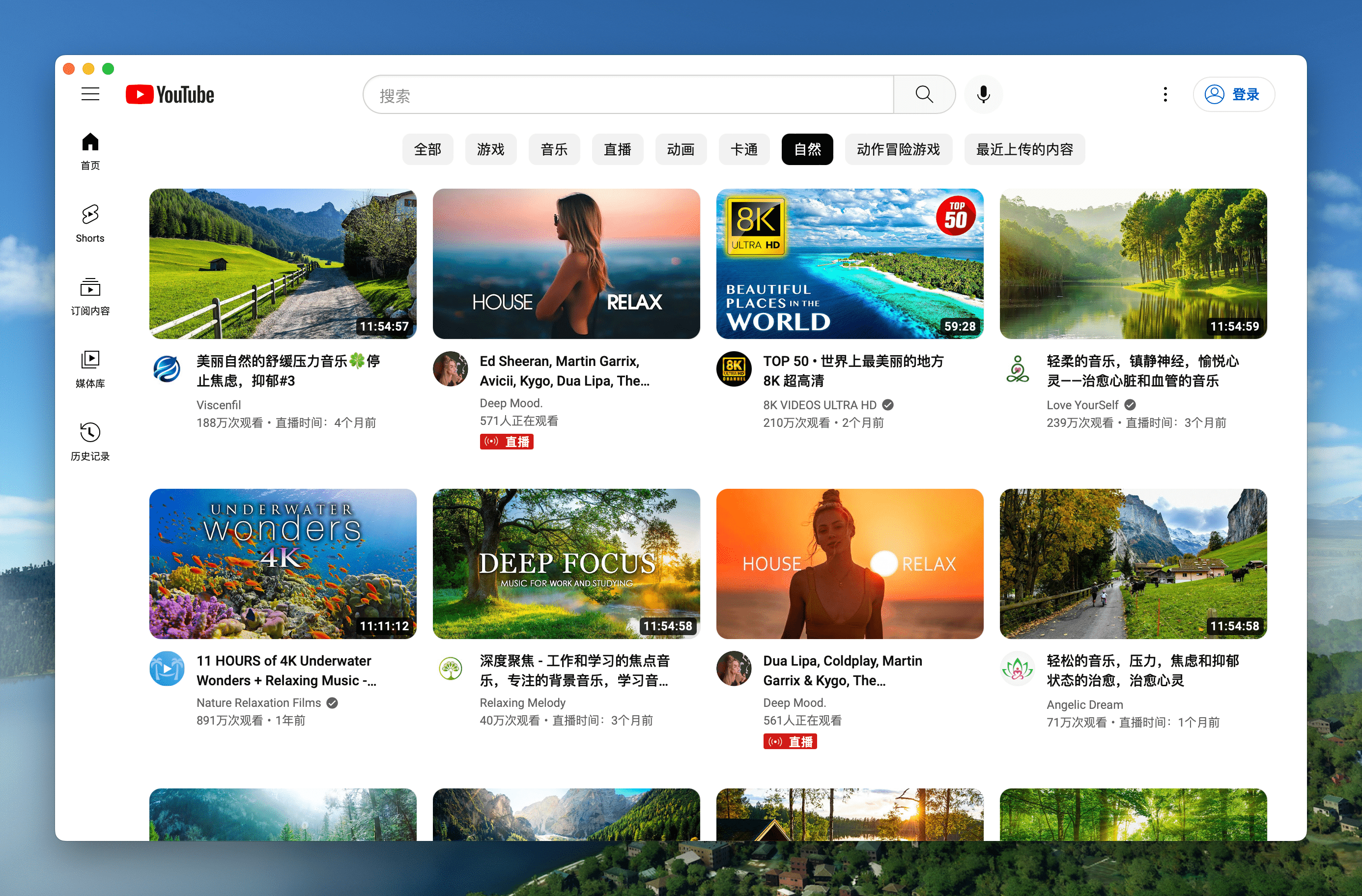
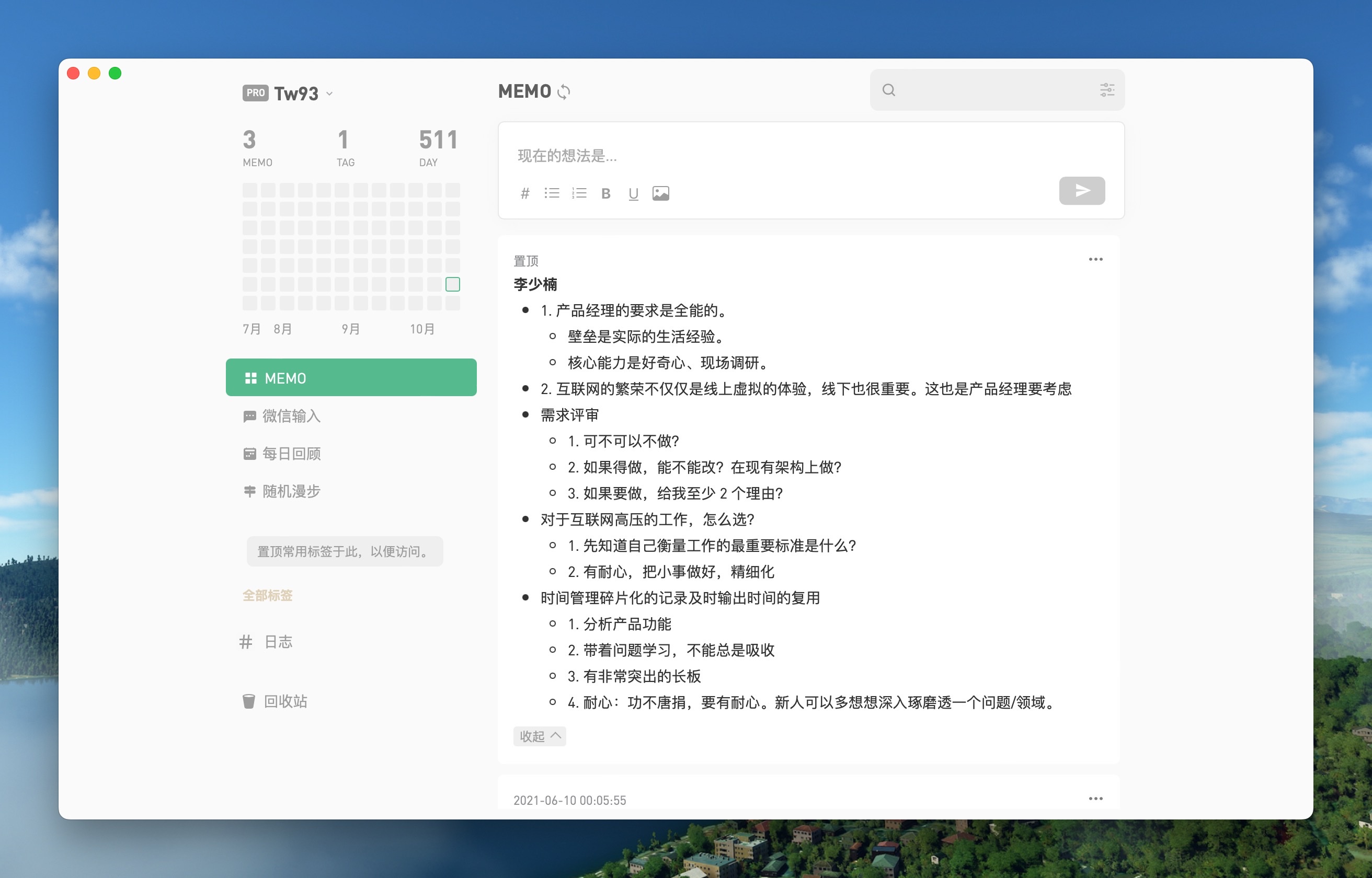
| YouTube Mac Linux Windows | Flomo Mac Linux Windows |
 |
 |
Command line packing

Pake provides a command line tool that makes it quicker and easier to customize the packages you need, as detailed in documentation.
// Install with npm
npm install -g pake-cli

// Command usage
pake url [options]

// Play casually, first time due to the installation environment will be a little slow
pake https://weekly.tw93.fun --name Weekly --transparent
If you are a little white who doesn't know how to use the command line, a good option is to use GitHub Actions online compilation, see the tutorial.
Shortcuts
| Mac | Windows/Linux | Function |
|---|---|---|
| ⌘ + [ | Ctrl + ← | Return to the previous page |
| ⌘ + ] | Ctrl + → | Go to the next page |
| ⌘ + ↑ | Ctrl + ↑ | Auto scroll to top of page |
| ⌘ + ↓ | Ctrl + ↓ | Auto scroll to bottom of page |
| ⌘ + r | Ctrl + r | Refresh Page |
| ⌘ + w | Ctrl + w | Hide window, not quite |
| ⌘ + - | Ctrl + - | Zoom out the page |
| ⌘ + + | Ctrl + + | Zoom in the page |
| ⌘ + = | Ctrl + = | Zoom in the Page |
| ⌘ + 0 | Ctrl + 0 | Reset the page zoom |
In addition, it supports double clicking the head to switch to full screen, and dragging the head to move the window
Development
Refer to the Tauri documentation to quickly configure your environment before you start.
// Install Dependencies
npm i

// Local development
npm run dev

// Pack application
npm run build
Document Description
- file tree
.
├── app.csv
├── bin
│   ├── builders
│   ├── cli.ts
│   ├── defaults.ts
│   ├── helpers
│   ├── options
│   ├── README_EN.md
│   ├── README.md
│   ├── types.ts
│   └── utils
├── cli.js
├── CODE_OF_CONDUCT.md
├── CONTRIBUTING.md
├── dist
│   └── cli.js
├── icns2png.py
├── LICENSE
├── package.json
├── pake-default.icns
├── README_EN.md
├── README.md
├── rollup.config.js
├── script
│   ├── build.bat
│   ├── build.sh
│   ├── sd-apple-x64
│   ├── sd.exe
│   └── sd-linux-x64
├── src-tauri
│   ├── assets
│   ├── build.rs
│   ├── Cargo.lock
│   ├── Cargo.toml
│   ├── icons
│   ├── png
│   ├── src
│   ├    ├──main.rs
│   ├    └──pake.js
│   ├── tauri.conf.json
│   ├── tauri.linux.conf.json
│   ├── tauri.macos.conf.json
│   └── tauri.windows.conf.json
└── tsconfig.json
- app.csv:Used for batch replacement and packaging of bash/bat command.
- bin:It is written in TypeScript and is the source code of the Pake cli, the Pake command line packaging tool. You can use
npm run cli: buildto generate the final configuration file 'dist cli. js'. - cli.js:The entry file of pake-cli. This file calls the 'dist cli. js' file, which is basically not modified and can be ignored.
- dist\cli.js:Generated by
npm run cli: build. - icns2png.py:Written in python 3, it is used to convert Mac default icns icons to windows/Linux icons in ico and png formats.
- package.json:The npm module depends on the configuration file, which is used to build the basic development environment when running
npm iandnpm run xxx. - pake-default.icns:The default icon of pake, applicable to MacOS.
- script:A script for batch packaging multiple apps, with sd built-inBinary package. You can use
npm run build: all unixandnpm run build: all windowsto call the batch packaging function of Mac/Linux and Windows respectively. - src-tauri/assets:It stores a Linux desktop icon configuration file and a Windows msi installation configuration file.
- src-tauri/build.rs:The tauri compiler entry does not need to be modified and can be ignored.
- src-tauri/Cargo.lock:The cargo package management configuration result file can be ignored.
- src-tauri/Cargo.toml:The cargo package depends on the configuration file, which is used to manage the information of various crate versions. It basically does not need to be modified and can be ignored.
- src-tauri/icons:A series of icon files in icns format are stored, which are suitable for MacOS application icons.
- src-tauri/png:Generated from the icons folder above, it stores ico and png files, which are applicable to Linux/Windows application icons.
- src-tauri/src/main.rc:The main program file needs to be modified. The cross platform migration scheme focuses on this.
- src-tauri/src/pake.js:The js code matched with the main program file is used to add shortcut key monitoring, page rendering effects, and so on.
- src-tauri/tauri.conf.json:The main configuration file is used to control the package name, version number, open link, window size, etc.
- src-tauri/tauri.linux.conf.json:The configuration file used when compiling the Linux platform, including Linux specific icons, maintainers, binary formats, mapping, etc.
- src-tauri/tauri.macos.conf.json:Configuration files used for compiling the MacOS platform, including MacOS specific icons, maintainers, binary formats, and so on.
- src-tauri/tauri.windows.conf.json:The configuration file used when compiling the Windows platform, including Windows specific icons, maintainers, binary formats, small icon mapping in the upper left corner, and so on.
- tsconfig.json:TypeScript configuration. It basically does not need to be modified and can be ignored.
New pack
- Modify the
tauri.conf.jsonin thesrc-tauridirectory to include 4 fieldsurl, productName, icon, identifier, icon can be selected from theiconsdirectory or downloaded from macOSicons to match the product. - For window property settings, you can modify the
width/heightof thewindowsproperty intauri.conf.json, whether it isfullscreen, whether it isresizable, If you want to adapt the immersive header under Mac, you can settransparenttotrueand then find header element and add thepadding-topstyle. npm run devfor local debugging;npm run dev:debugto open the devtools for container debugging.npm run buildcan be run to package for production.
Advanced
1. How do I rewrite the style, e.g. to remove ads from the original site, or even redesign it?
First, open devtools debug mode with npm run dev:debug. After that, find the name of the style you want to change and verify the effect in devtools, and find the location of the style in pake.js with style.innerHTML. Finally, add the style you need to override, there are some examples you can copy.
2. How to inject js code, e.g. to implement event listeners, e.g. keyboard shortcuts?
Refer to the event listener in pake.js with document.addEventListener, and write it directly, it's more of a basic front-end technique here.
3. How to communicate with Pake about events in containers, such as dragging and dropping, scrolling, special clicks on the Web, etc.?
Refer to the communication code in pake.js with postMessage, write the event listener and then use window.ipc.postMessage to pass the event and its parameters, then refer to the container to receive events window.drag_window and handle them yourself, for more information, refer to tauri and wry's official documentation.
Support
- I have two cats, one is called TangYuan, and one is called Coke, If you think Pake makes your life better, you can give my cats feed canned food 🥩🍤.
- If you like Pake, you can star it in Github. We are more welcome to recommend Pake to your like-minded friends.
- You can follow my Twitter to get the latest news of Pake, or join Telegram chat group.
Finally
- I hope that you will enjoy playing with it and let me know if you have any new ideas.
- If you find a page that would be great for a Mac App, please let me know and I'll add it to the list.