
101 lines
4.2 KiB
Markdown
101 lines
4.2 KiB
Markdown
<p align="right"><a href="https://github.com/tw93/Pake">中文</a> | <strong>English</strong></p>
|
||
<p align="center">
|
||
<img src=https://gw.alipayobjects.com/zos/k/fa/logo-modified.png width=138/>
|
||
<h1 align="center">Pake</h1>
|
||
<div align="left">A simple way to package a web page with Rust to create Mac App, using Tauri as underlying layer, supporting WeRead、Flomo、WhatsApp、Witeboard、Vercel, detailed development tutorial can be seen at the bottom.</div>
|
||
</p>
|
||
|
||
## Features
|
||
|
||
🏂 **Small**:Nearly 50 times smaller than the Electron shell package, less than 2M.
|
||
😂 **Fast**:Using the Rust Tauri, the performance experience is much lighter and faster than JS.
|
||
🩴 **Special**:Not just packaged, with universal shortcut pass-through, immersive windows, drag-and-drop, packaged style compatibility.
|
||
🐶 **Toy**:Just a very simple little toy, a way to play with Rust instead of the old idea of shelling the web.
|
||
|
||
## Shortcuts
|
||
|
||
1. `command + ←`:Return to the previous page
|
||
2. `command + →`:Go to the next page
|
||
3. `command + ↑`:Auto scroll to top of page
|
||
4. `command + ↓`:Auto scroll to bottom of page
|
||
5. `command + r`:Refresh Page
|
||
6. `command + w`:Hide window, not quite
|
||
|
||
## Effect
|
||
|
||
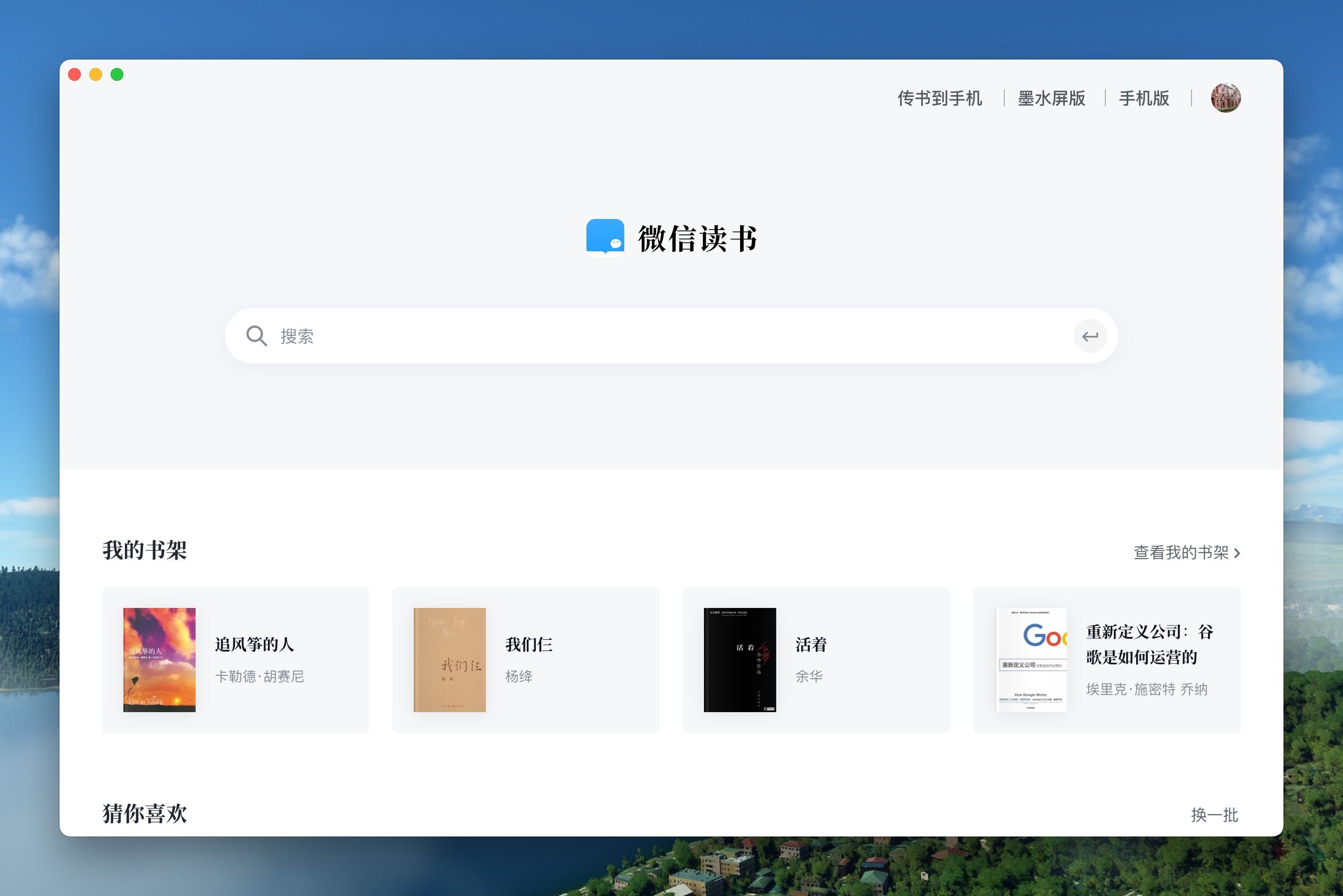
### WeRead
|
||
|
||
Download:<https://github.com/tw93/Pake/raw/master/download/WeRead.dmg>
|
||
|
||
|
||
|
||
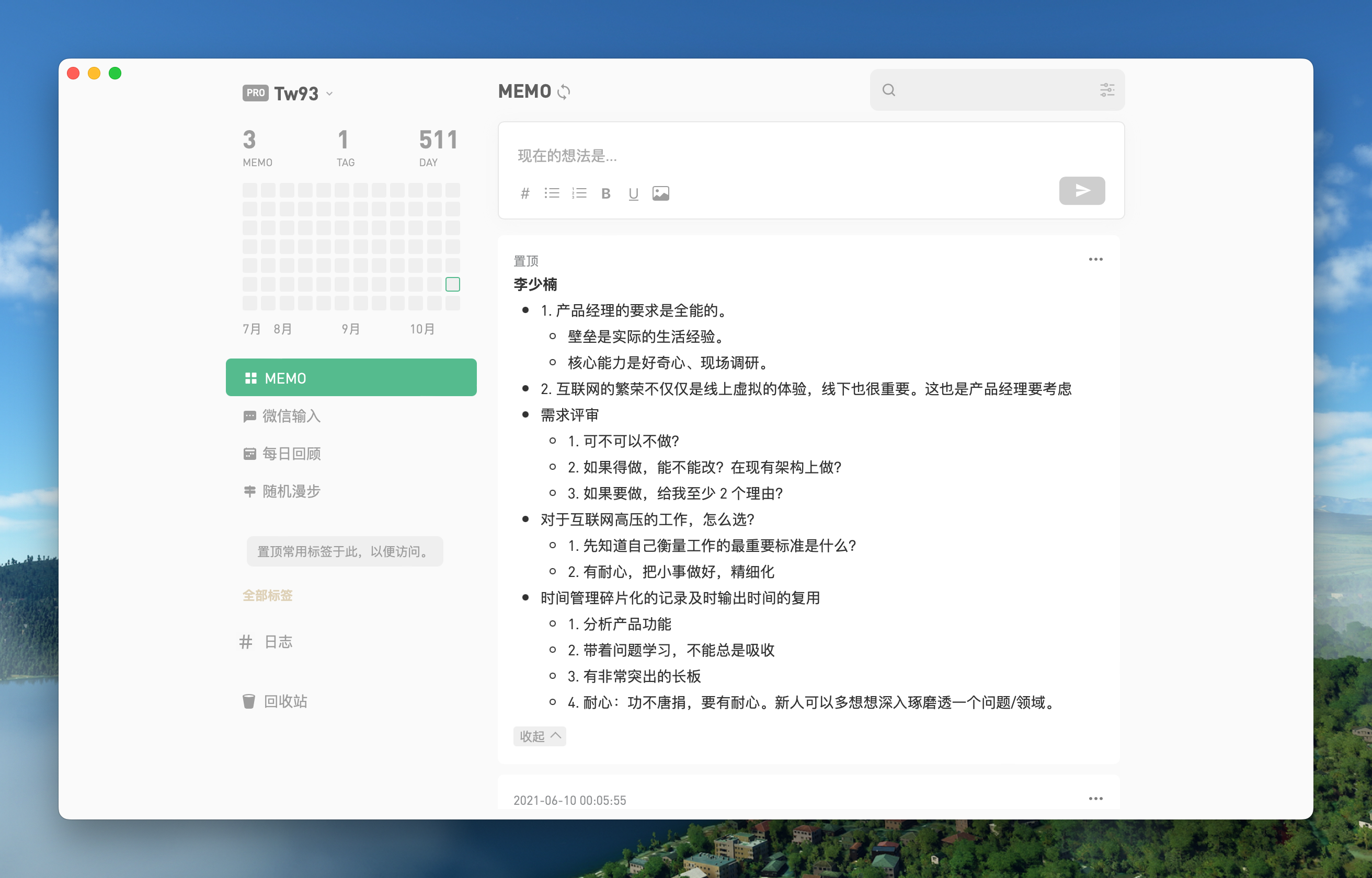
### Flomo
|
||
|
||
Download:<https://github.com/tw93/Pake/raw/master/download/Flomo.dmg>
|
||
|
||
|
||
|
||
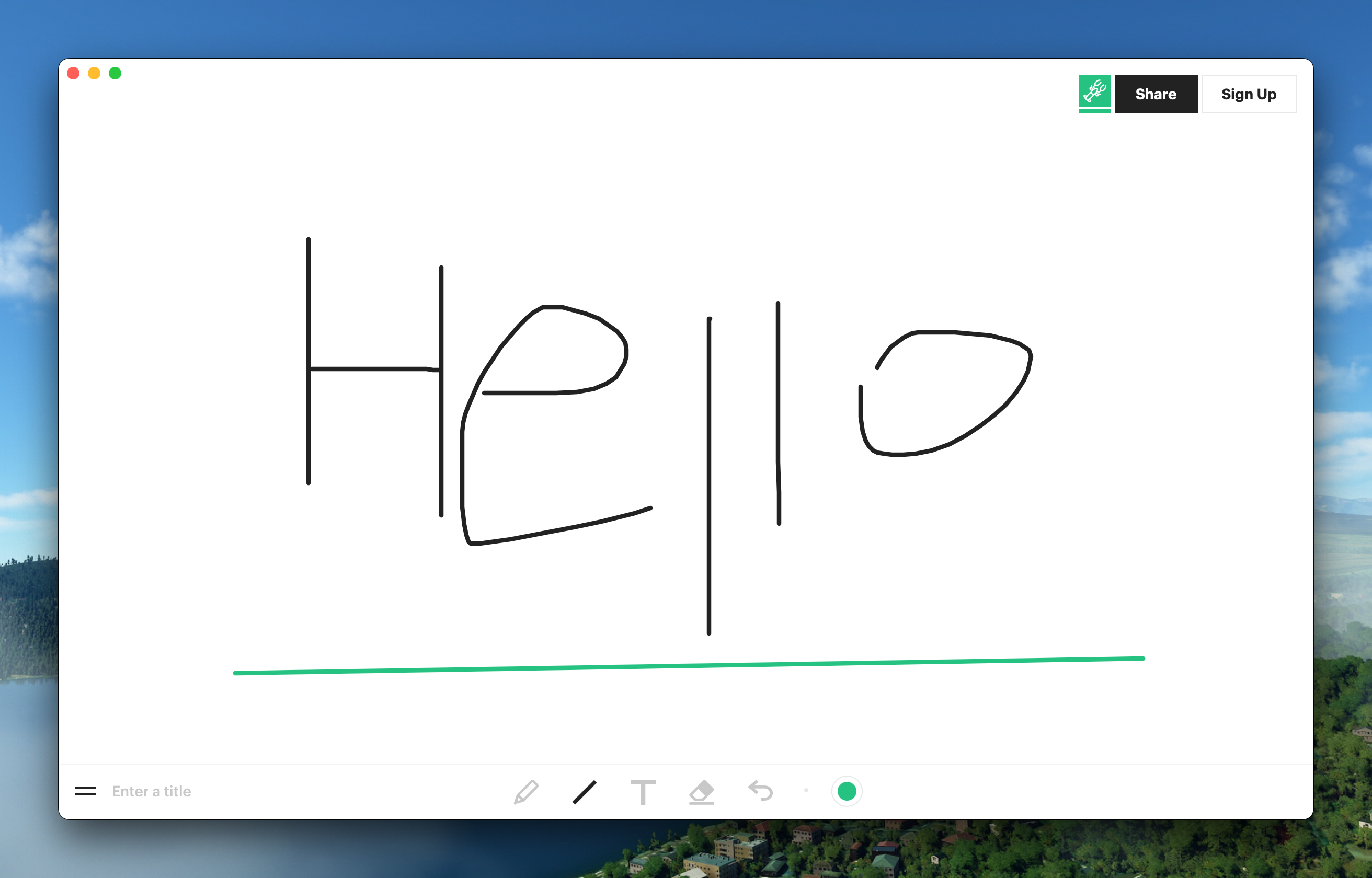
### Witeboard
|
||
|
||
Download:<https://github.com/tw93/Pake/raw/master/download/Witeboard.dmg>
|
||
|
||
|
||
|
||
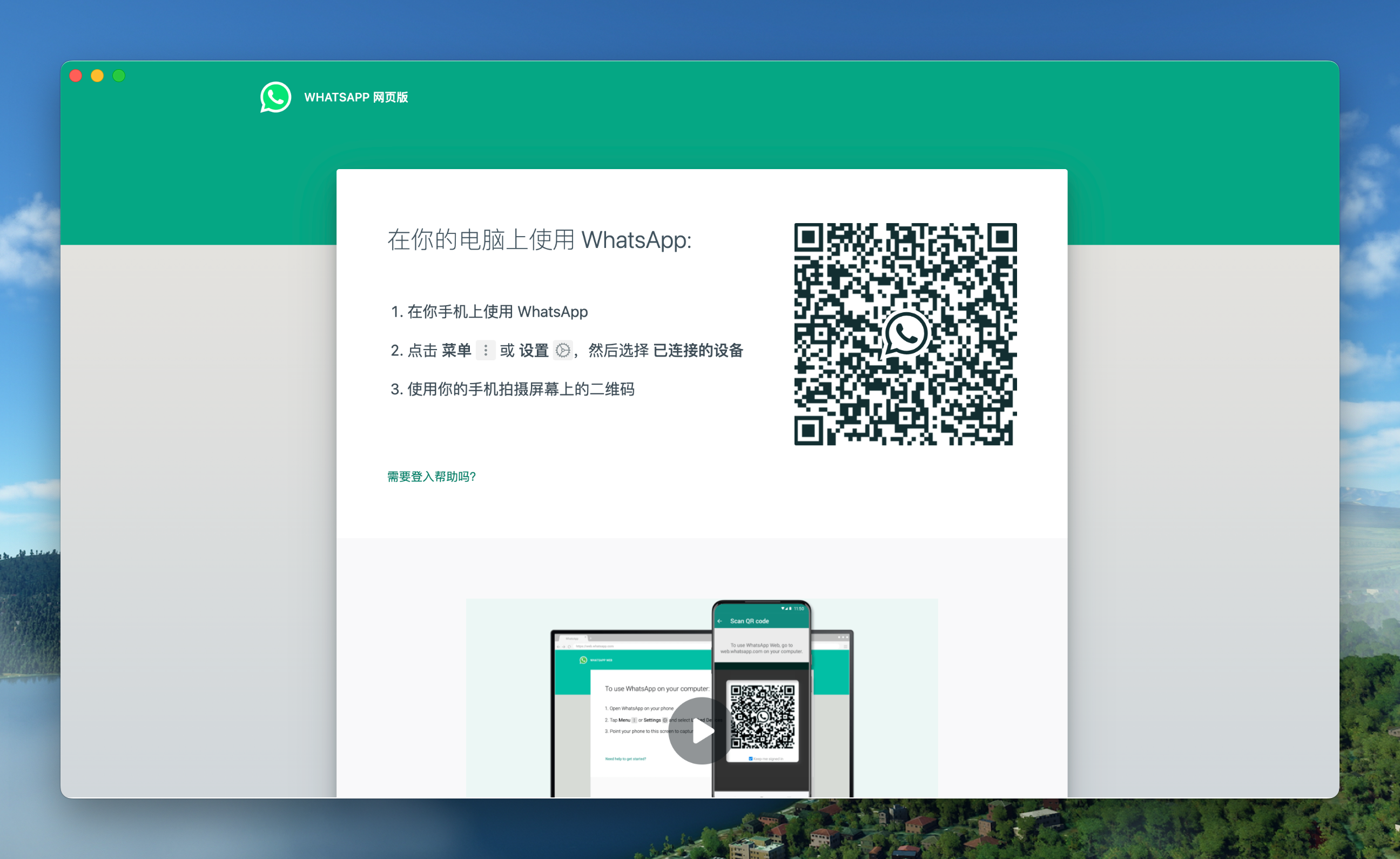
### WhatsApp
|
||
|
||
Download:<https://github.com/tw93/Pake/raw/master/download/WhatsApp.dmg>
|
||
|
||
|
||
|
||
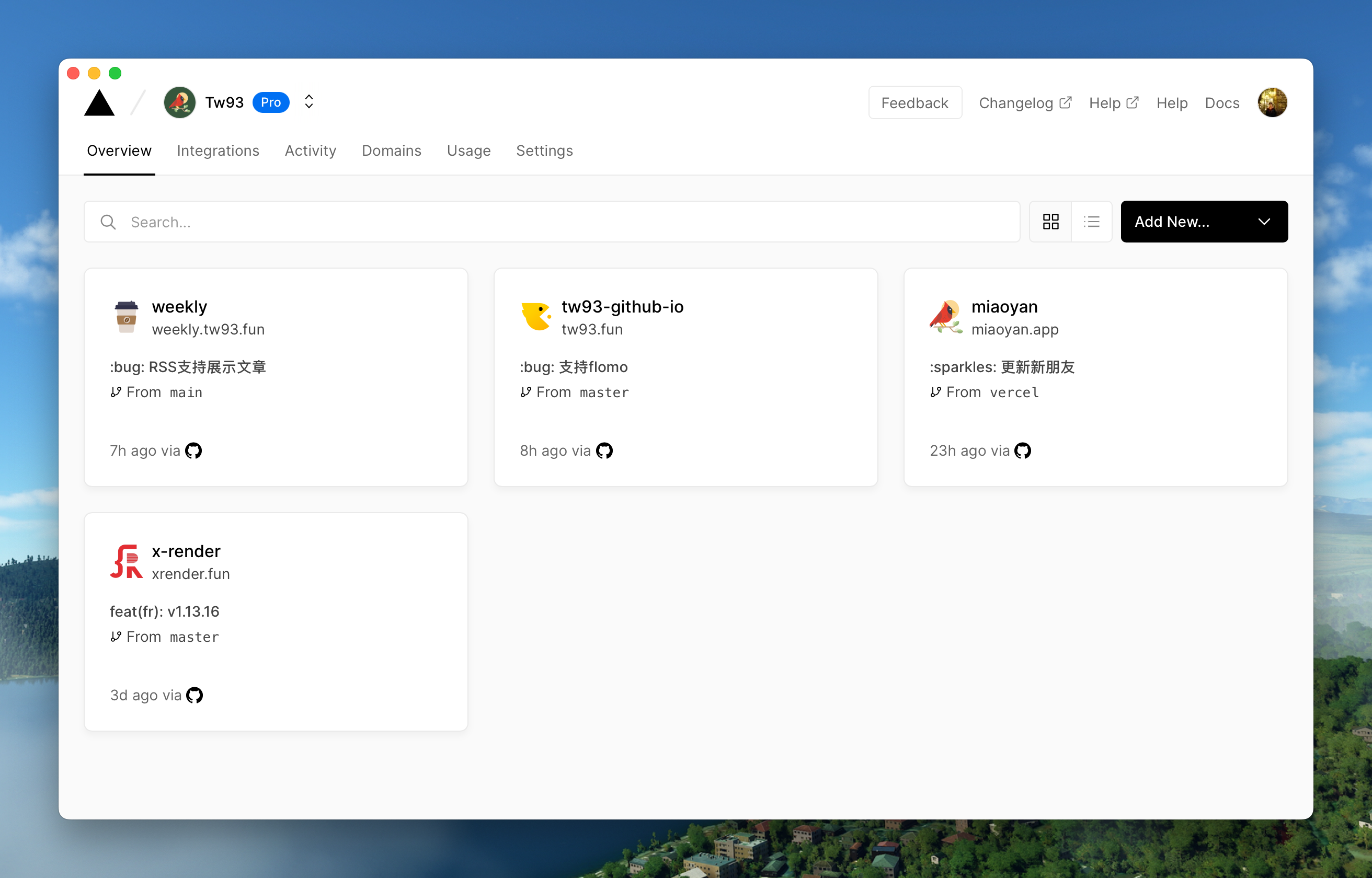
### Vercel
|
||
|
||
Download:<https://github.com/tw93/Pake/raw/master/download/Vercel.dmg>
|
||
|
||
|
||
|
||
## Development
|
||
|
||
Refer to the [tauri documentation](https://tauri.app/v1/guides/getting-started/prerequisites#setting-up-macos) to quickly configure your environment before you start
|
||
|
||
```sh
|
||
// Install Dependencies
|
||
npm i
|
||
|
||
// Local development
|
||
npm run dev
|
||
|
||
// Pack
|
||
npm run build
|
||
```
|
||
|
||
## New pack
|
||
|
||
1. Modify the `tauri.conf.json` in the `src-tauri` directory to include 4 fields `productName, icon, title, identifier`, where icon can be downloaded from [macosicons](https://macosicons.com/#/) and placed in the `icons` directory.
|
||
2. Change the with_url field in `main.rs` in the `src-tauri/src` directory to the address of the page you want to package.
|
||
3. `npm run dev` for local debugging, and open the devtools comments in `main.rs` (search for `_devtools`) for container debugging.
|
||
4. `npm run build` can be run to package, if you have devtools mode open, remember to comment it out.
|
||
|
||
## Advanced
|
||
|
||
#### How do I rewrite the style, e.g. to remove ads from the original site, or even redesign it?
|
||
|
||
1. first open devtools debug mode, find the name of the style you want to change and verify the effect in devtools first.
|
||
2. find the location of the style in `main.rs` (search for `style.innerHTML`) and add the style you need to override, there are some examples you can copy.
|
||
3. Remember to remove the devtools comments before packaging.
|
||
|
||
#### How to inject js code, e.g. to implement event listeners, e.g. keyboard shortcuts?
|
||
|
||
1. Same preparation as in case 1 above.
|
||
2. refer to the event listener in `main.rs` (search for `document.addEventListener`), and write it directly, it's more of a basic front-end technique here.
|
||
|
||
#### How to communicate with Pake about events in containers, such as dragging and dropping, scrolling, special clicks on the Web, etc.?
|
||
|
||
1. the same preparation as in 1 above.
|
||
2. refer to the communication code in `main.rs` (search for `postMessage`), write the event listener and then use `window.ipc.postMessage` to pass the event and its parameters.
|
||
3. then refer to the container to receive events (search for `window.drag_window`) and handle them yourself. for more information, refer to tauri and wry's official documentation.
|
||
|
||
## Finally
|
||
|
||
1. I hope that you will enjoy playing with it and let me know if you have any new ideas.
|
||
2. If you find a page that would be great for a Mac App, please let me know and I'll add it to the list.
|